Your project, in focus.Explore the details
What we can help with.
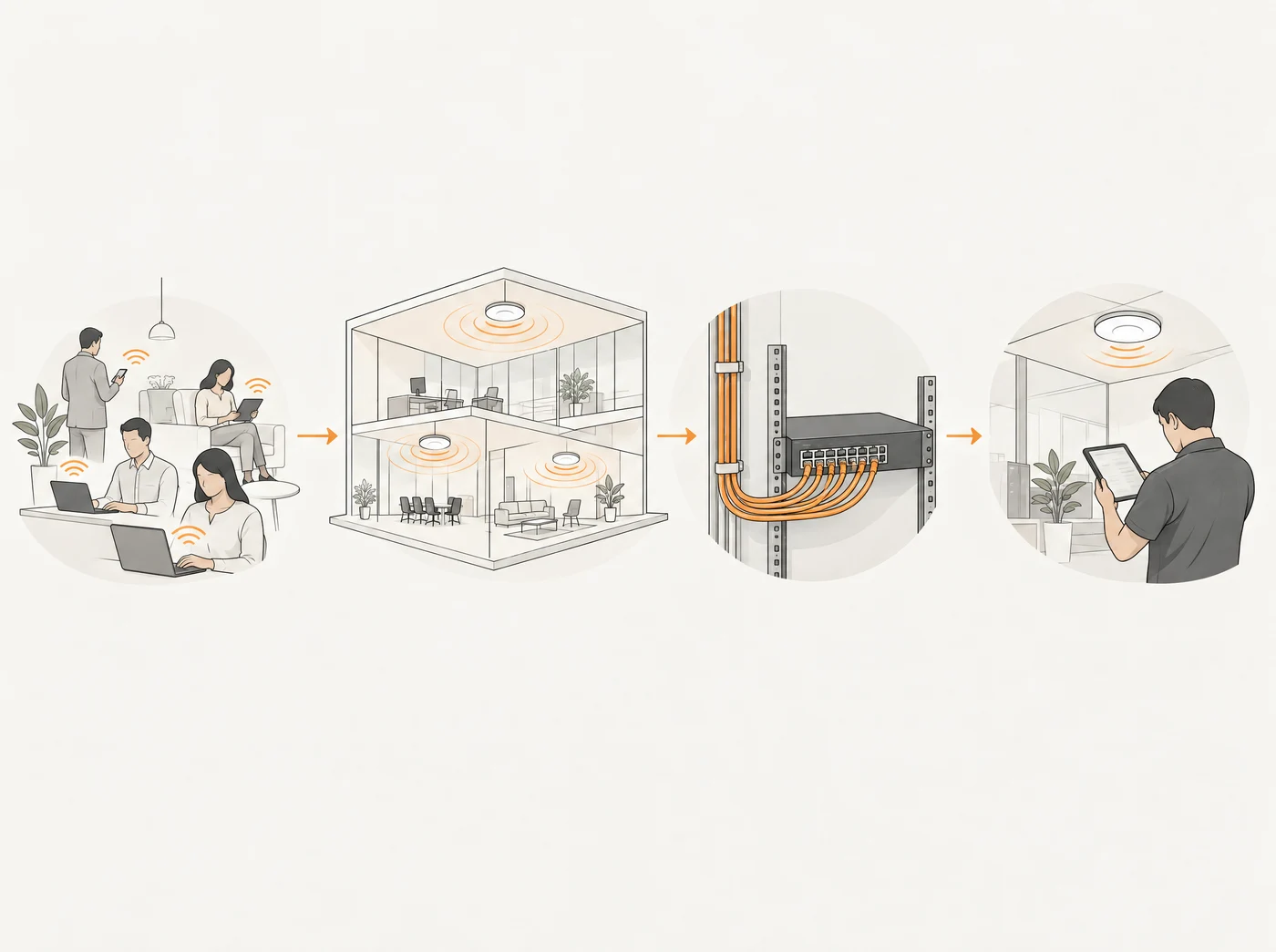
- Plan coverage around user numbers, devices and the applications used in each area.
- Coordinate access points, wired connections and network settings.
Scope and site details
- Define the occupied areas, outdoor spaces and business applications included in the wireless design.
- Cabling, switches, power and internet service may require separate upgrades.
- Guest access and authentication should be explicit.
- A coverage proposal should state assumptions about users and devices, with validation under representative conditions rather than a blanket speed claim for every part of the building.
What matters for your job.
- Strong signal does not guarantee available capacity.
- Meeting rooms, guest areas and warehouse aisles can need different designs.
- Walls, shelving and neighbouring networks also influence the wireless environment.
Before we visit.
- Floor plans and wall materials
- Busy-period device numbers
- Priority applications and areas
- Existing access points and switches
More to consider
- Provide floor plans, busy-period user numbers and the devices that matter most.
- Identify video calls, payment terminals and other business-critical uses.
- Agree where performance will be checked and under what operating conditions.
A clear handover.
- Check agreed coverage areas using representative client devices and applications.
- Record the conditions of the check and any known weak areas.
- Keep access-point locations, network names and administrative ownership documented so later changes can be assessed against the installed design.
Will adding more access points always improve Wi-Fi?
- No.
- Unplanned placement and overlapping settings can cause new problems.
- The right number depends on coverage, capacity and the physical site.
Can staff roam between access points without a call dropping?
- Roaming depends on the design, settings, device and application.
- Test representative phones or laptops along the routes staff use. Include voice and video calls where they matter.