

Our services

Networking & Communications services in Perth

Connect Wi-Fi, cabling, racks and communications around the way your home or business works.

Discuss your project
Servicewest technician and client reviewing a laptop beside an office network cabinet. Supplied illustrative composite.

Find the work you need.

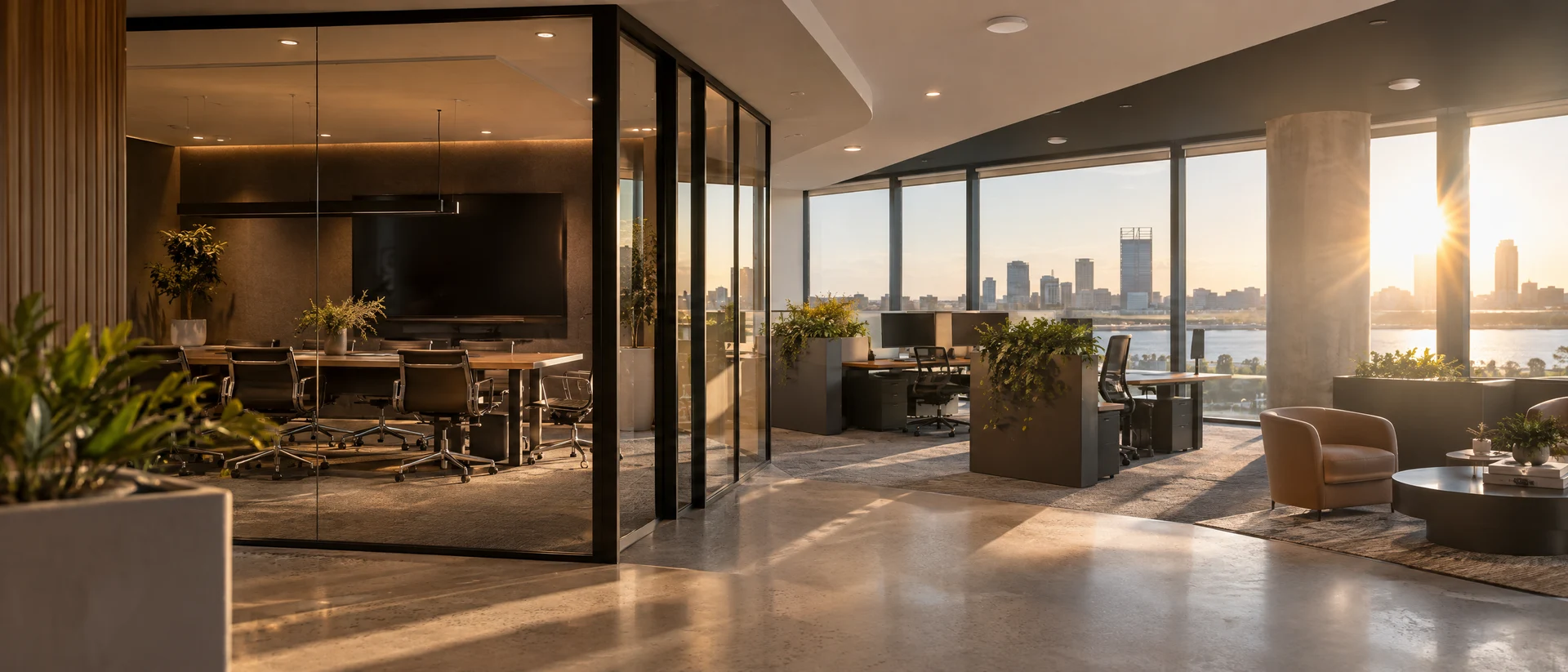
Modern workplace with meeting rooms, desks and open circulation areas. Illustrative commercial Wi-Fi setting.
01 / STAY CONNECTED

Commercial Wi-Fi

Design wireless coverage around your users, their devices and the work they need to do.

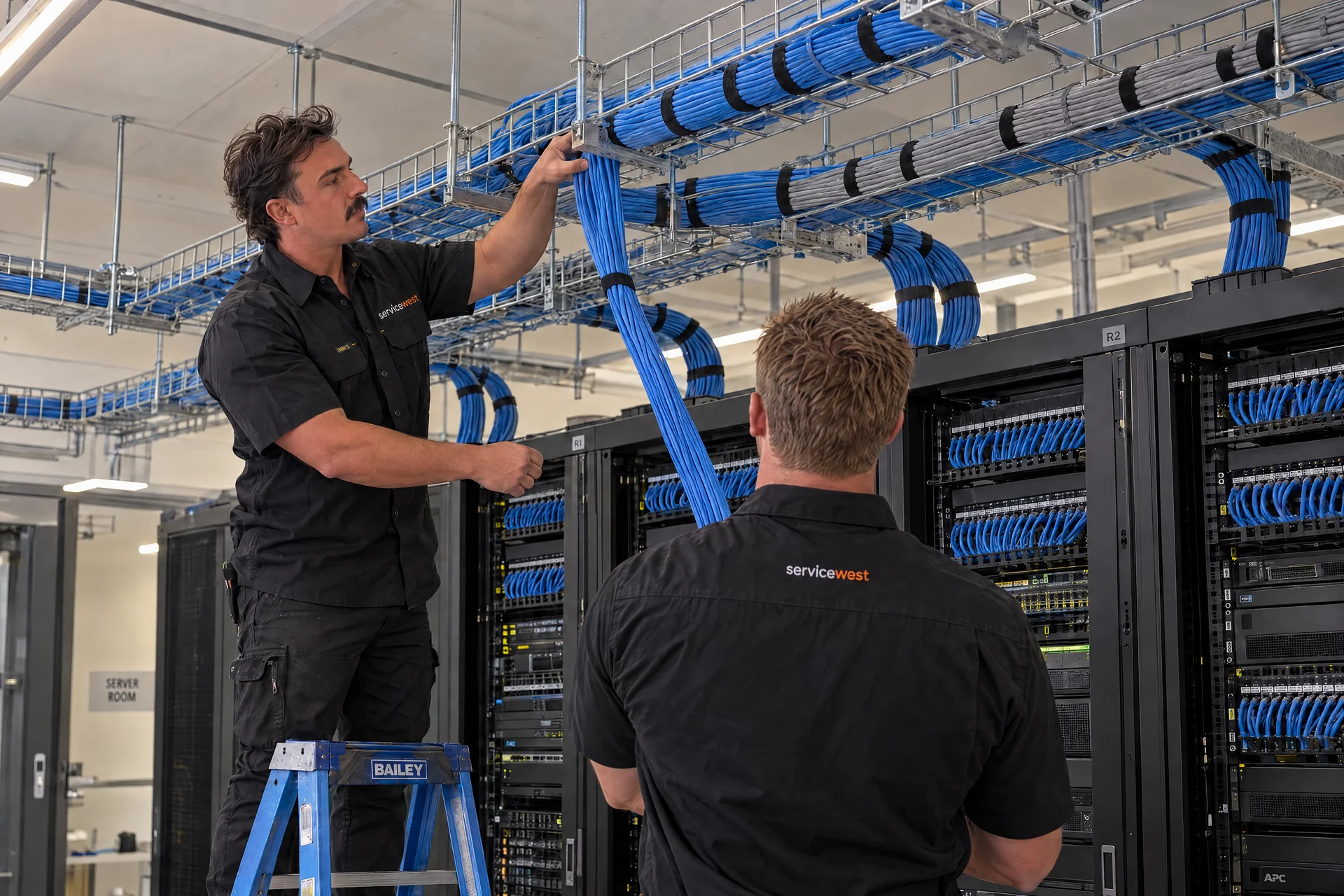
Two Servicewest technicians beside overhead cable trays and network racks. Supplied edited image.
02 / STAY CONNECTED

Structured data cabling

Create a labelled wired foundation for desks, access points, cameras and other connected equipment.

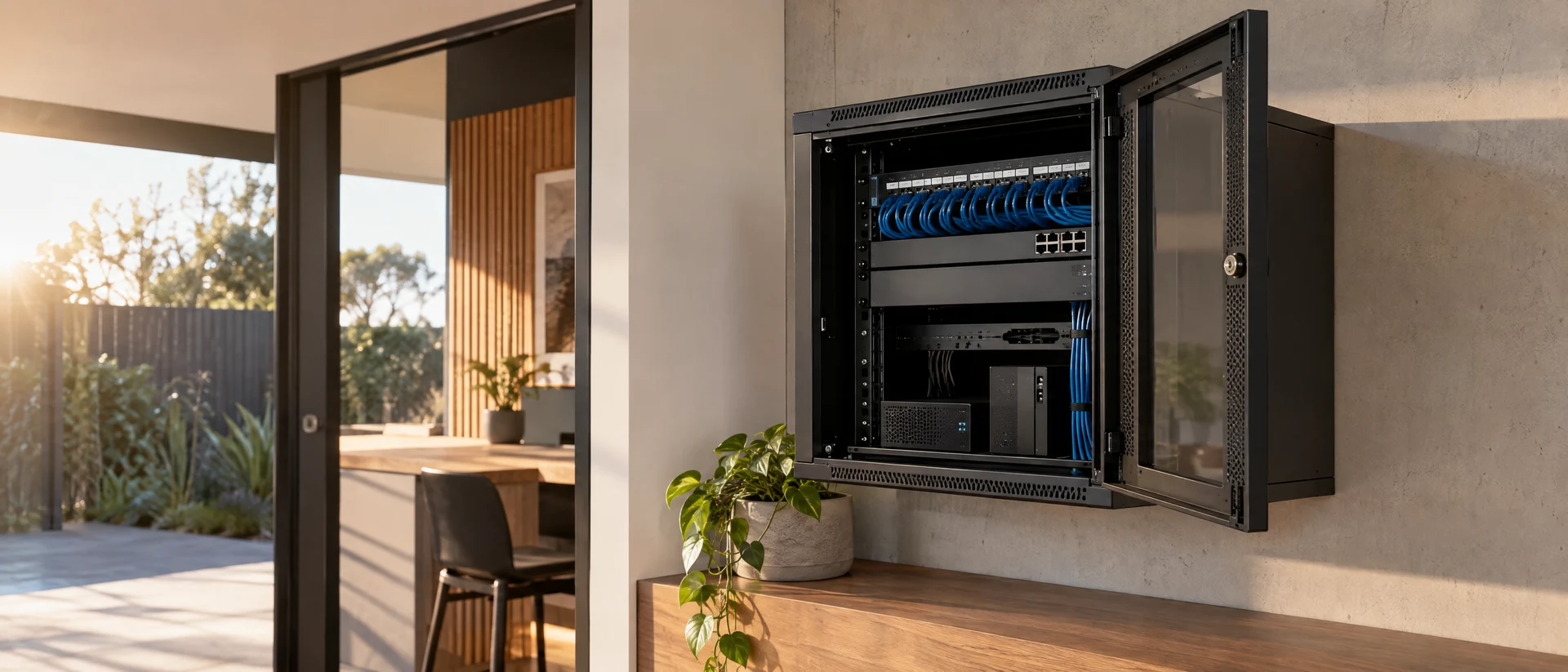
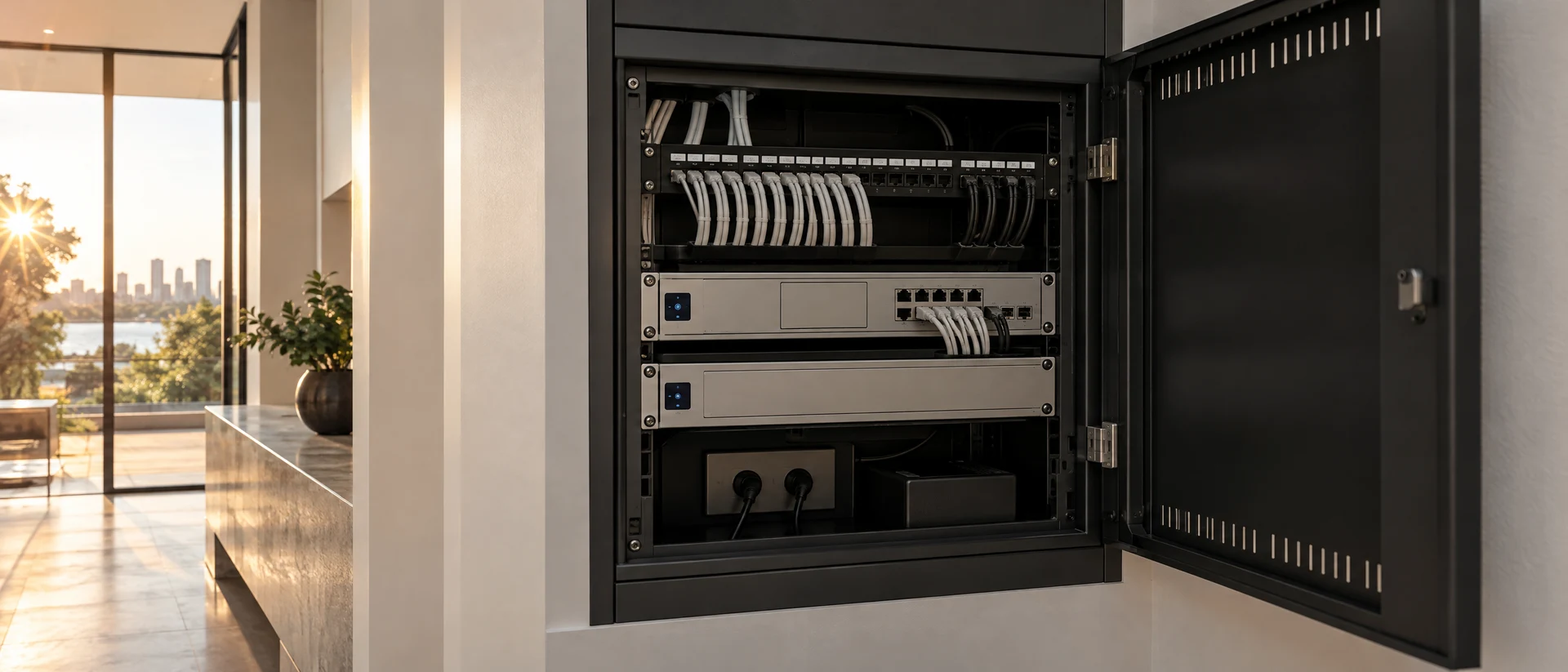
Wall-mounted network cabinet with patch leads and equipment in a modern office. Illustrative scene.
03 / STAY CONNECTED

Network racks and cabinets

Give network equipment a practical home with room for cabling, power and maintenance.

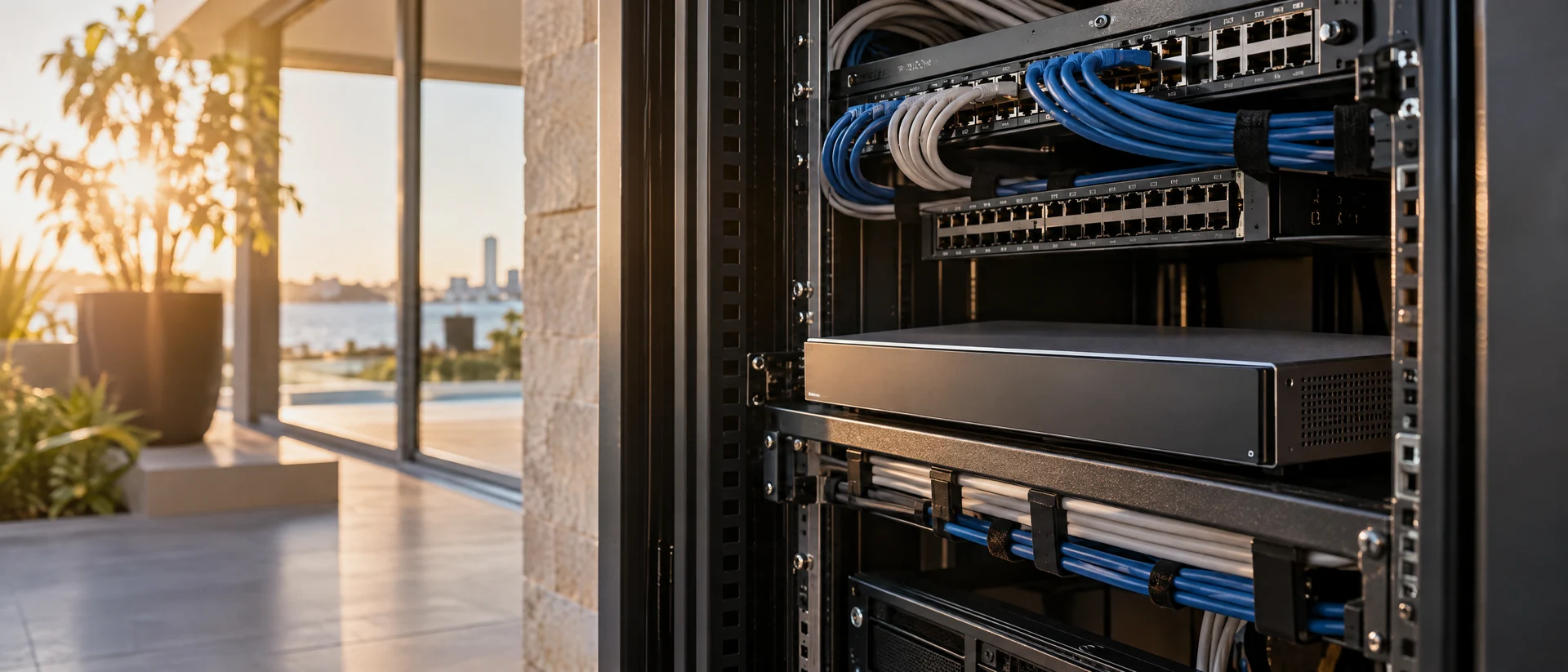
Wall-mounted network cabinet with neatly arranged patch leads and switches beside a light-filled Perth interior. Illustrative network installation scene.
04 / STAY CONNECTED

UniFi network installation

Plan a UniFi network as a connected system with clear ownership and a documented handover.

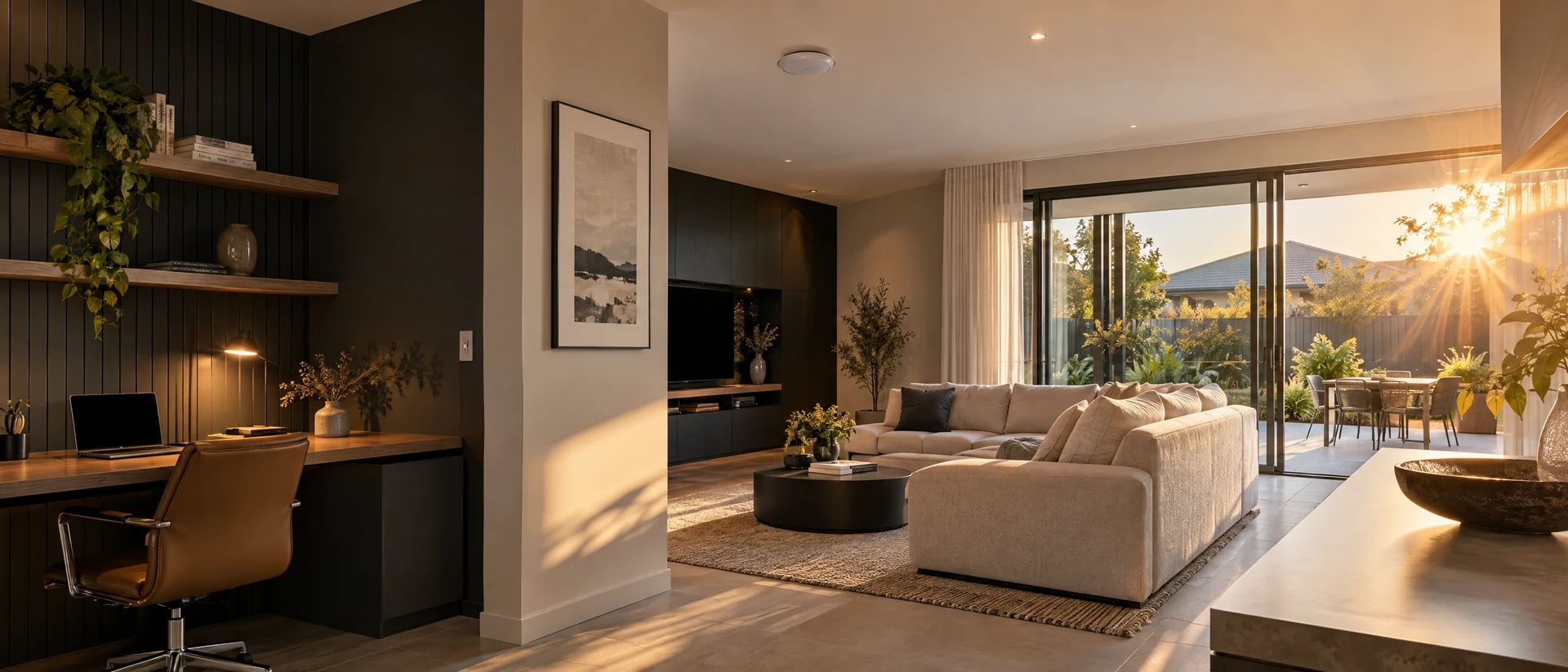
Illustrative Perth living room and home office with a discreet ceiling Wi-Fi access point in warm sunlight.
05 / STAY CONNECTED

Home networking and Wi-Fi

Connect the rooms and devices you use every day with a plan for both wired and wireless access.

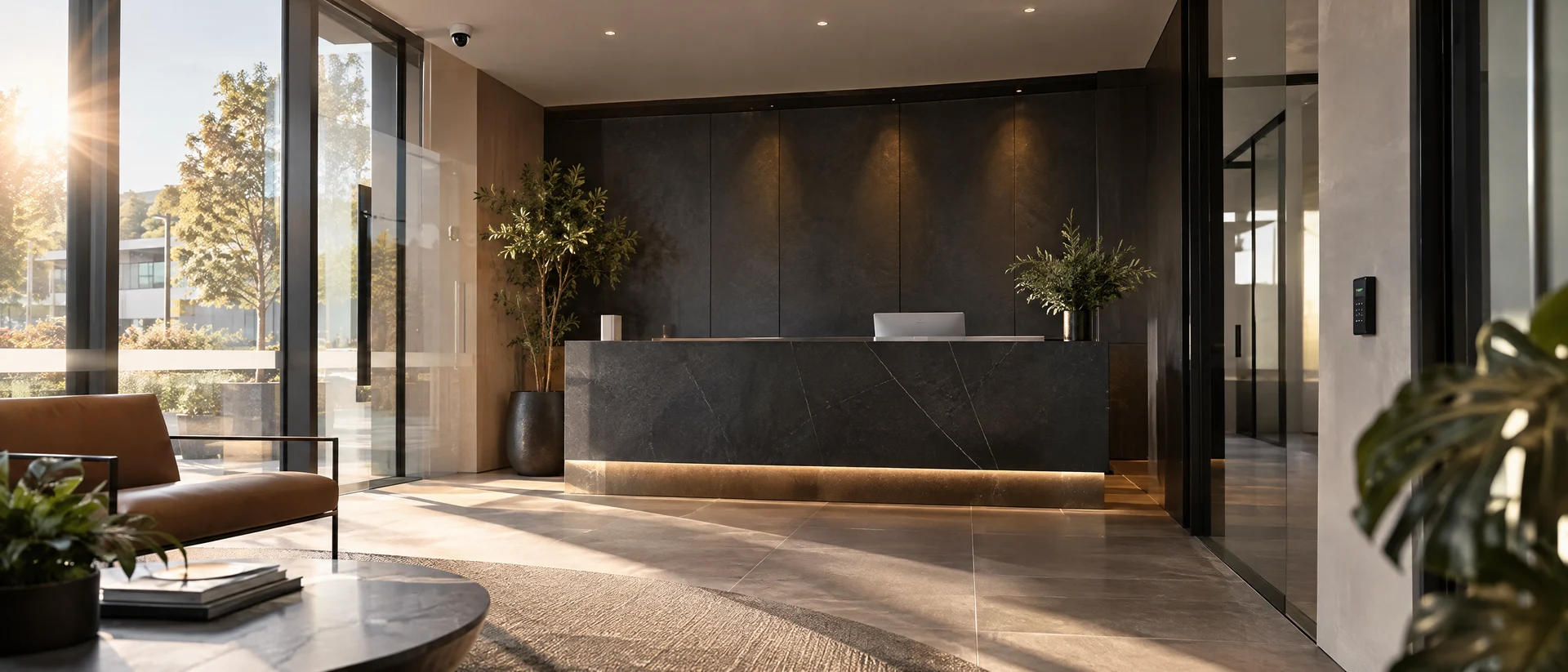
Contemporary office reception with glazed entrances and discreet building systems. Illustrative business networking scene.
06 / STAY CONNECTED

Business UniFi systems

Coordinate business networking, supported security systems and administration around one site plan.

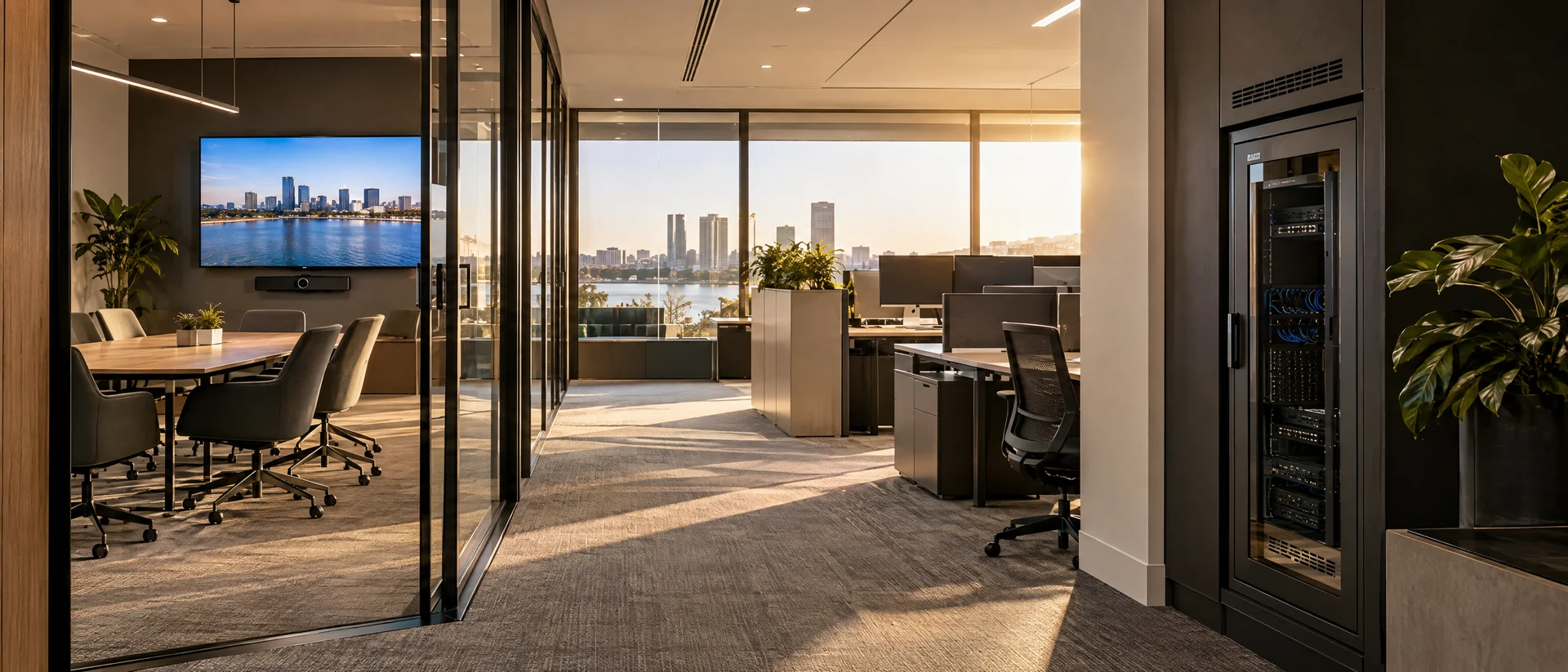
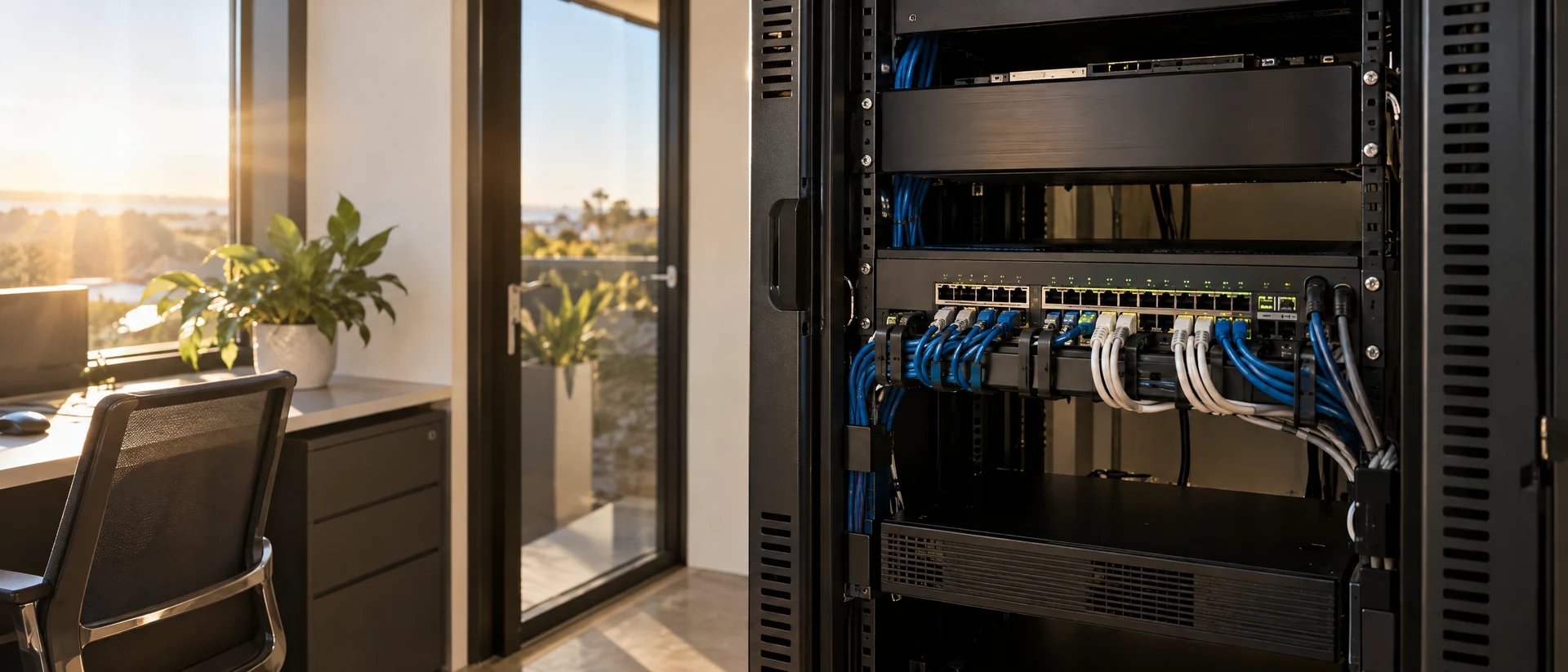
Illustrative Perth office with a meeting room, workstations and an enclosed network cabinet in warm daylight.
07 / STAY CONNECTED

Office network setup

Prepare the network for desks, meeting rooms, phones and shared equipment before move-in.

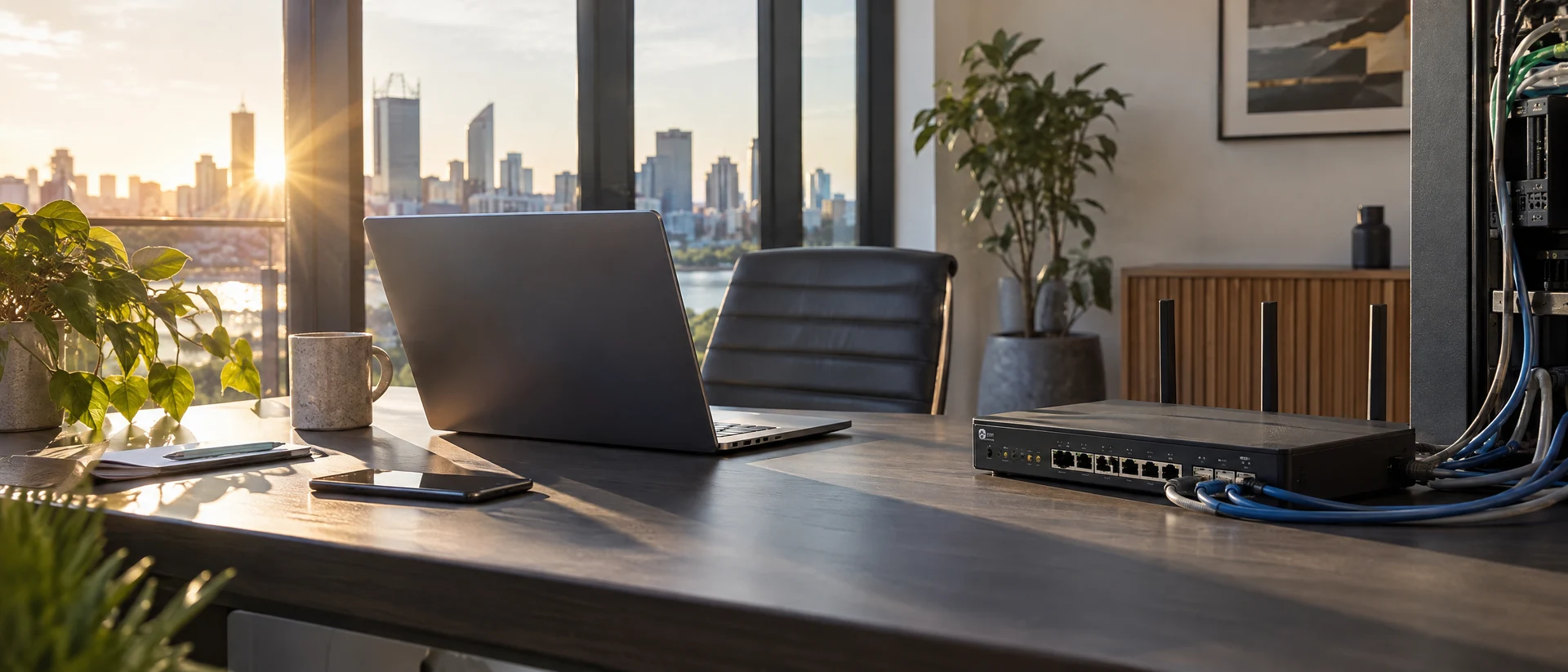
Laptop and Ethernet switch on an office desk beside an open network rack and city-view window. Illustrative network troubleshooting scene.
08 / STAY CONNECTED

Network upgrades and troubleshooting

Find the constraint behind slow or unreliable connections before replacing equipment.

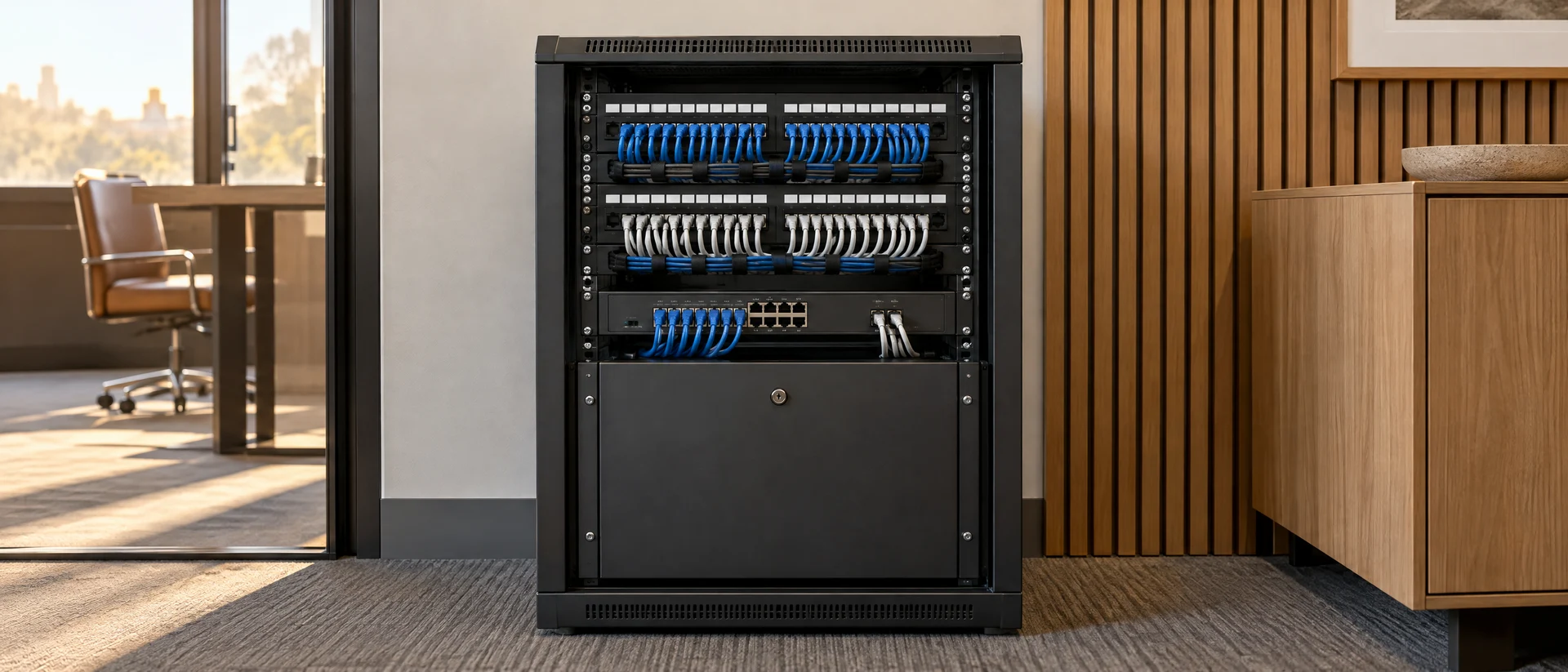
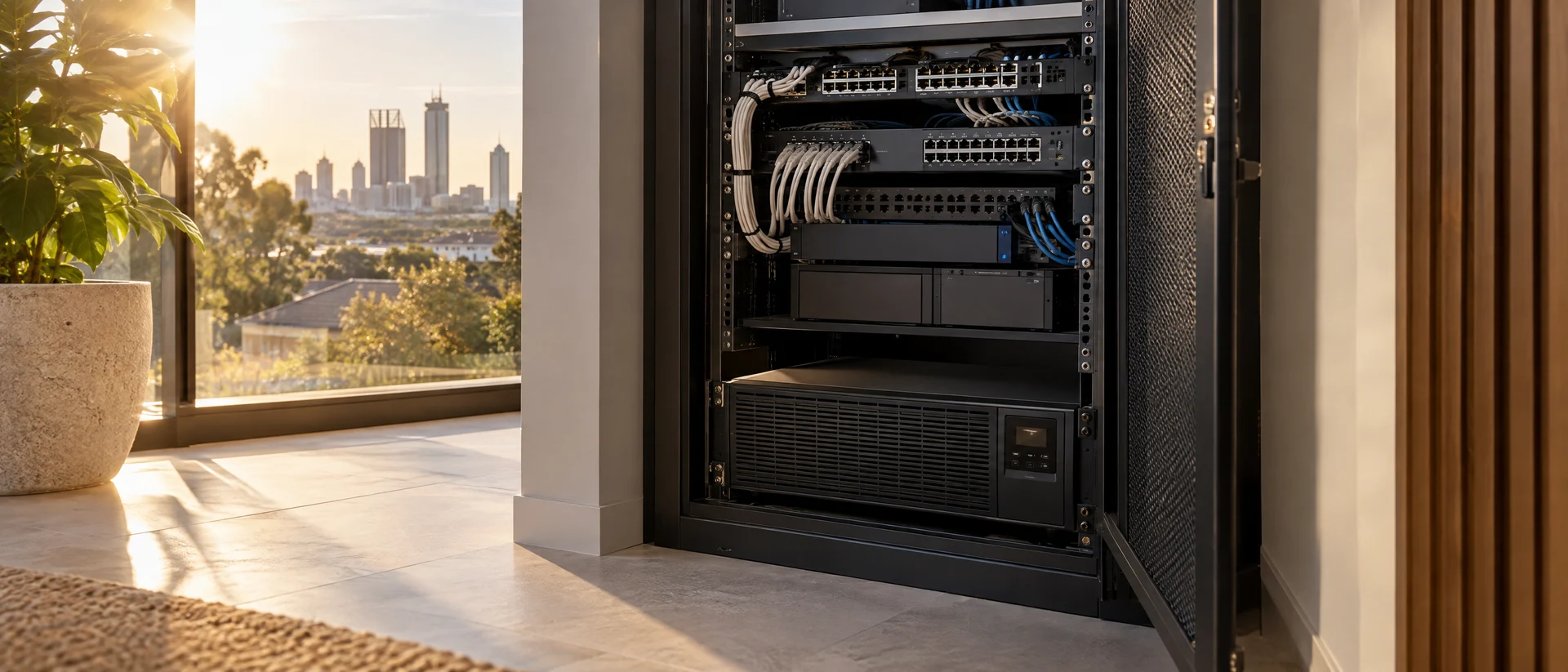
Illustrative office communications rack with organised blue and white Ethernet leads, patch panels and an opaque lower equipment compartment.
09 / STAY CONNECTED

Rack tidying and patching

Make an existing rack easier to understand, service and expand.

Sunlit office meeting space with laptops and ceiling wireless access point. Illustrative Wi-Fi upgrade scene.
10 / STAY CONNECTED

Wi-Fi 7 upgrades

Assess whether newer wireless equipment addresses a real need in your network.

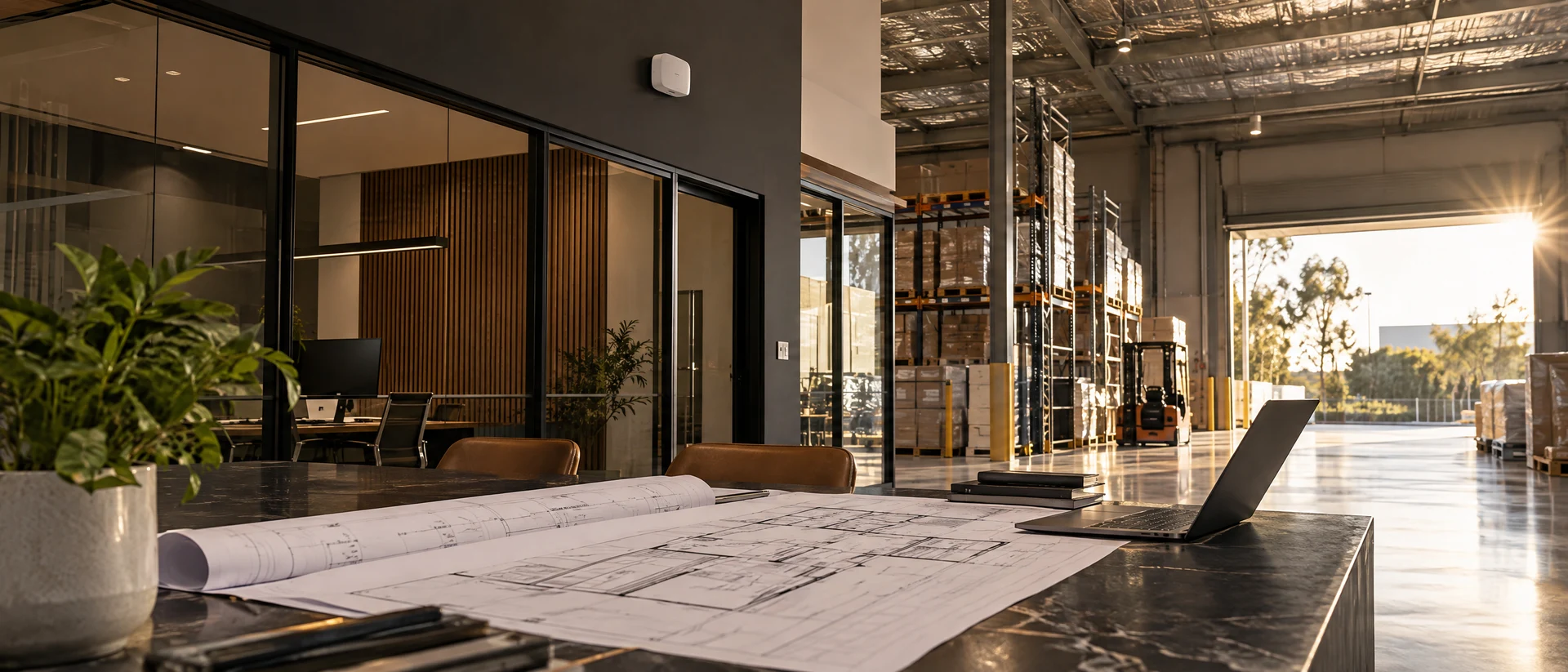
Building plans and laptop on a desk beside office rooms and a warehouse aisle. Illustrative wireless survey planning scene.
11 / STAY CONNECTED

Wi-Fi surveys and coverage planning

Use the building and its working conditions to plan where wireless coverage is needed.

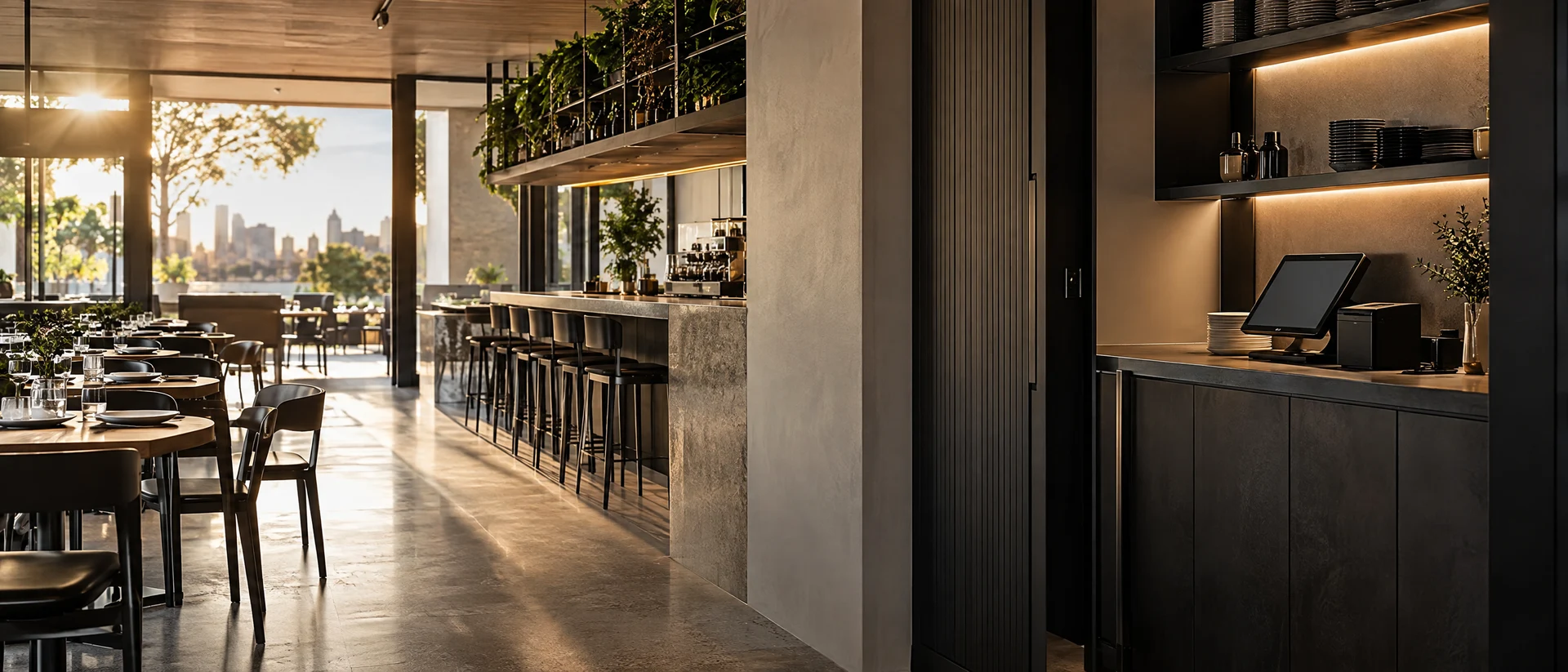
Hospitality venue with guest seating, service counter and point-of-sale terminal. Illustrative guest Wi-Fi scene.
12 / STAY CONNECTED

Guest Wi-Fi and network segmentation

Separate guest access and connected devices according to what each group needs to reach.

Network gateway and switches mounted in a cabinet with organised patch leads. Illustrative network infrastructure scene.
13 / STAY CONNECTED

Gateways routers and firewalls

Choose the network edge around connectivity, security rules and management responsibility.

Ethernet switch and organised blue and white patch cables inside an office network cabinet. Illustrative PoE installation scene.
14 / STAY CONNECTED

PoE switching

Power compatible network devices through a switch sized for both ports and electrical demand.

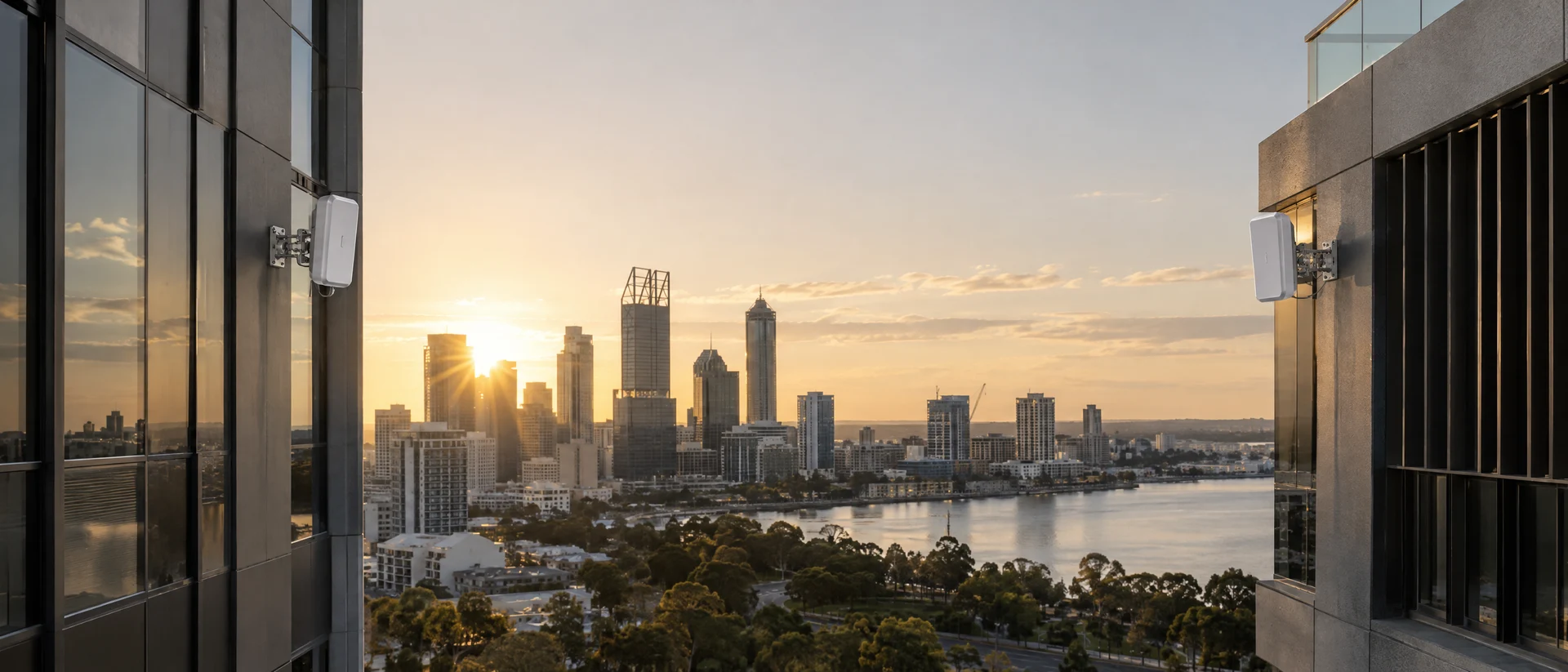
Two building-mounted wireless bridge radios facing across an urban gap. Illustrative point-to-point networking scene.
15 / STAY CONNECTED

Wireless bridges

Assess a wireless building link where a physical cable route is difficult.

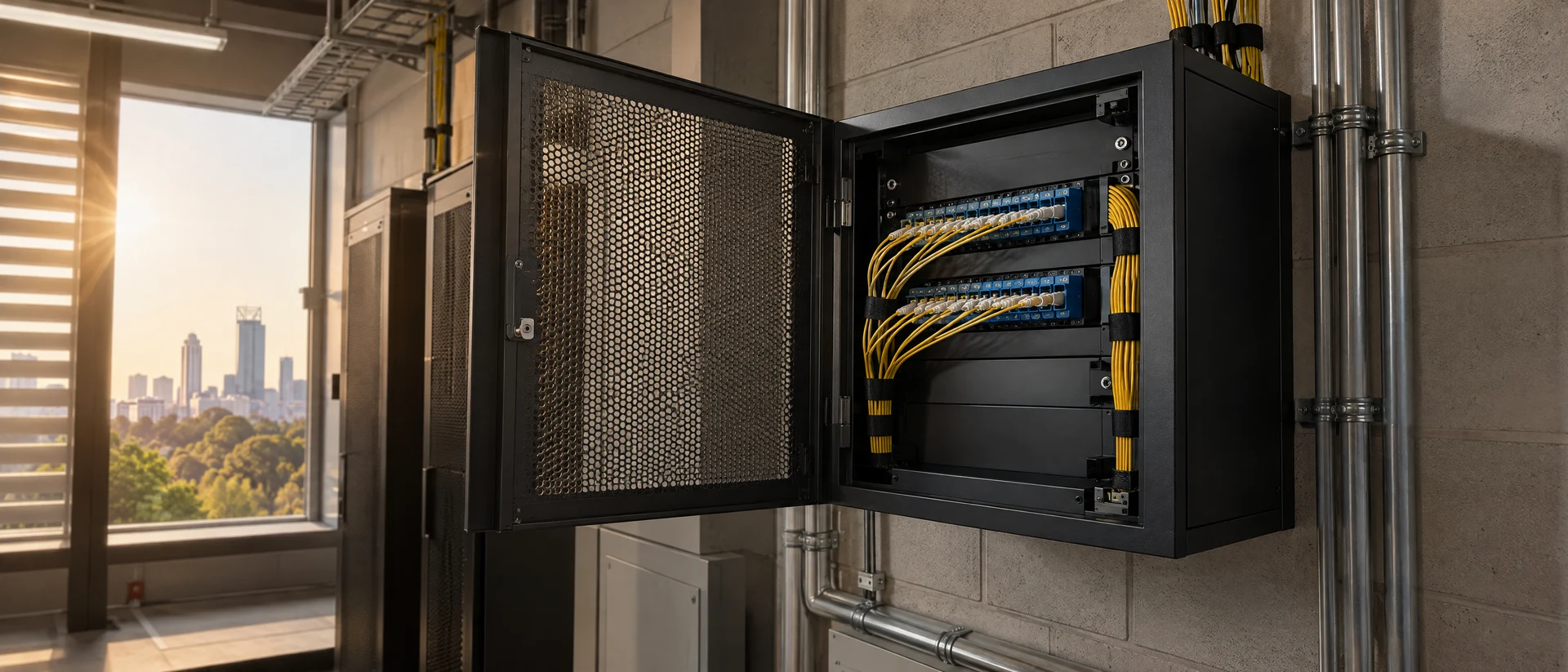
Fibre patch leads arranged inside a wall-mounted network cabinet in a commercial service space. Illustrative building-link installation scene.
16 / STAY CONNECTED

Fibre cabling and building links

Connect buildings or equipment rooms with a physical link designed for the route and future use.

Network equipment and backup power housed in a recessed cabinet. Illustrative network continuity scene.
17 / STAY CONNECTED

Network backup power

Keep selected network equipment powered for a defined outage objective.

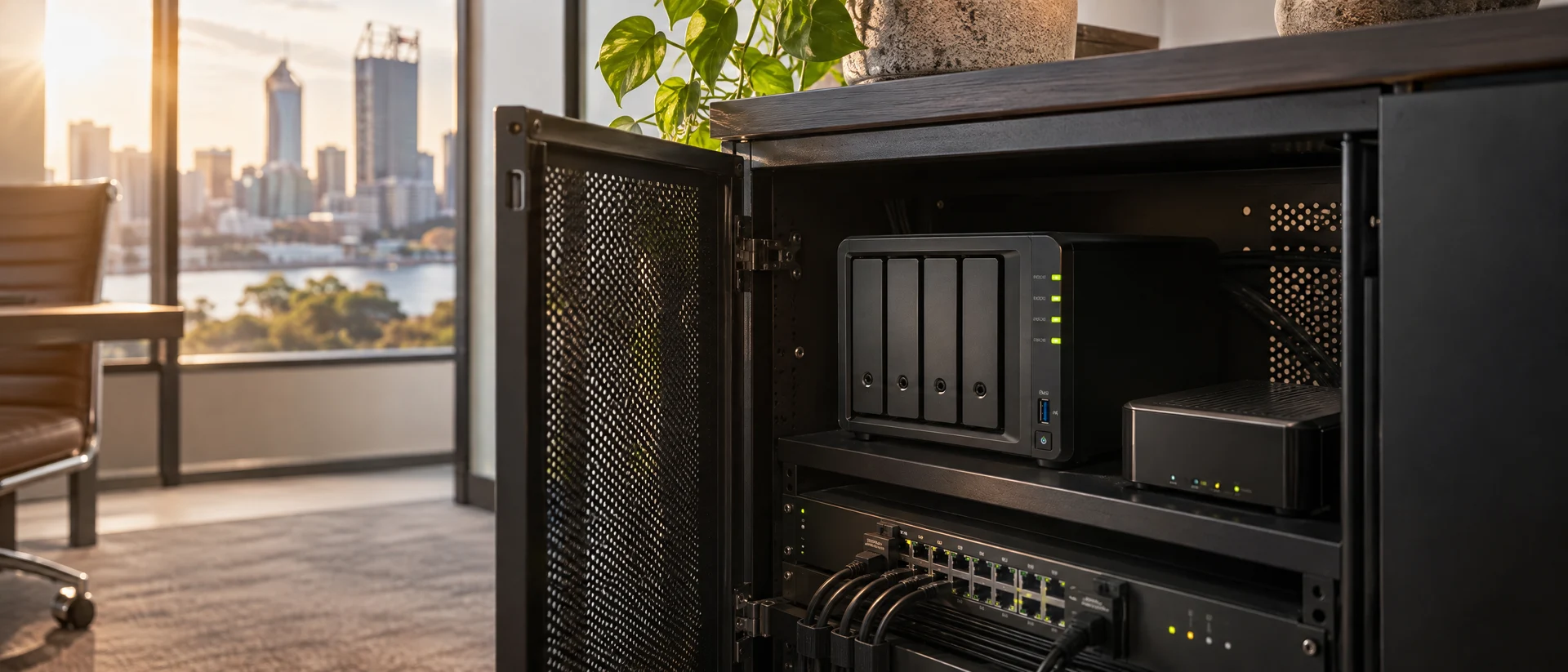
Network attached storage enclosure inside an office equipment cabinet. Illustrative shared-storage scene.
18 / STAY CONNECTED

NAS and network storage

Plan shared storage around access, recovery and the files the business needs to keep.

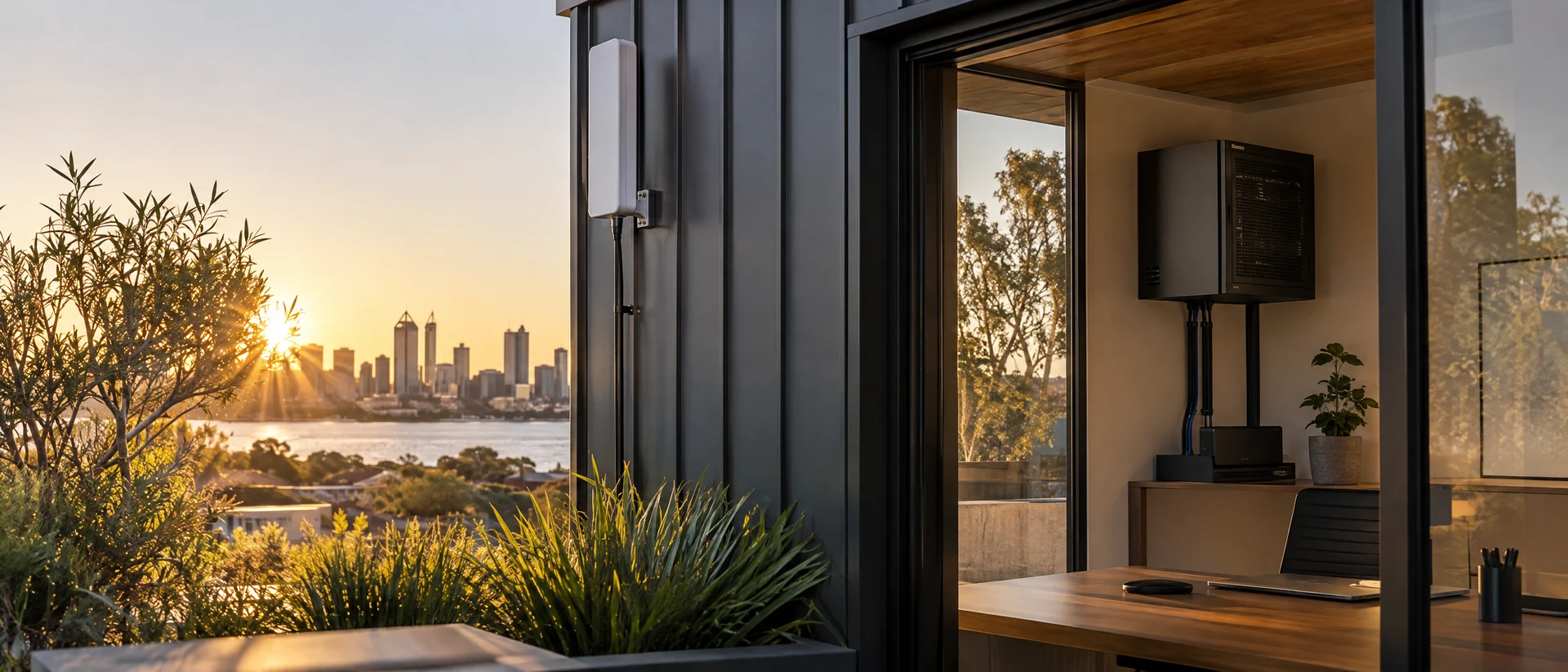
Outdoor antenna beside a home office network installation. Illustrative mobile backup connectivity scene.
19 / STAY CONNECTED

4G/5G backup connectivity

Plan a secondary internet connection around coverage, data use and the services that must continue.

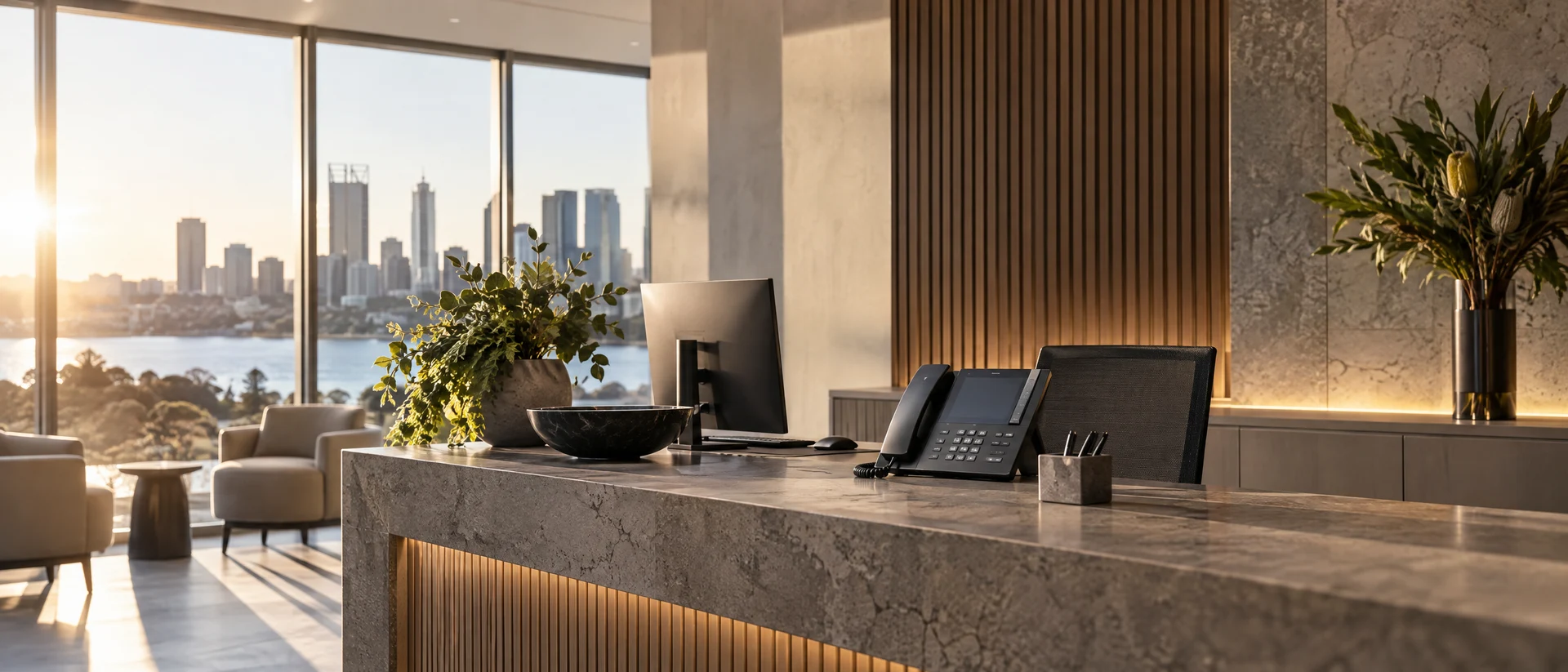
Desk phone and workstation at a contemporary reception counter. Illustrative VoIP phone-system scene.
20 / STAY CONNECTED

VoIP phone systems

Plan business calling around users, internet reliability and how incoming calls are handled.

Illustrative Perth meeting room with a connected display, video-conference camera and table controls.
21 / STAY CONNECTED

Connected displays and audio/video integration

Coordinate screens, room audio and network connections around the way a space will be used.

Your project, in focus.Explore the details

Start with your space.

  • Plan internet, cabling, Wi-Fi, power and account ownership together.
  • Equipment placement and cable routes matter as much as the hardware.

A few details to get started.

  • Send a floor plan, device list and the places where performance matters.
  • Identify your internet service and existing network equipment.
  • Include labels, account ownership, configuration records and real-device checks in the handover.

Useful before you book.

Ready when you are.

Tell us what needs doing.

Call Servicewest

Your property. The details that matter.

See the detail.Plan your next step.

Explore the topics. Keep the points you want to discuss in your own notes.

Explore the plan01 / 04
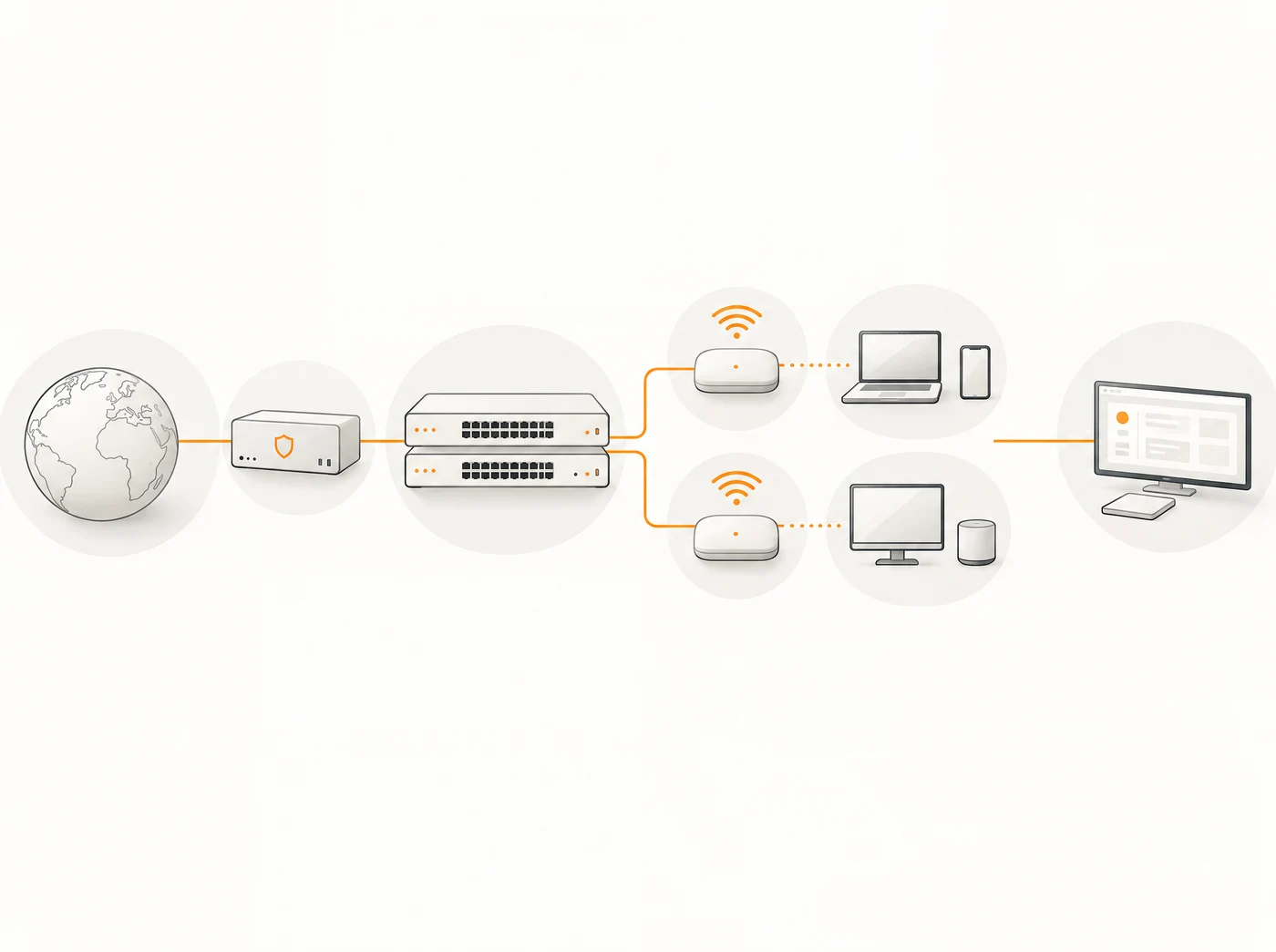
Network topology linking internet, gateway, switching, Wi-Fi, connected devices and management.
Illustrative overview · explore the details alongside it.
Currently exploringInternet edge
Choose what to explore4 topics

Details / 01

Internet edge

Identify the internet service, gateway and any backup connection requirements.

Read the full details

Select a topic to change the details. Save anything you want to discuss.

Sources & further reading

A good place to start

What’s on
your list?

One repair or a longer list.
Let’s work out the next step together.

Perth & Peel · Homes, workplaces & shared spaces

Your next project

Where shall we start?

Networking & comms selected

Wi-Fi, cabling or connected spaces. Tell us where you need a better connection.