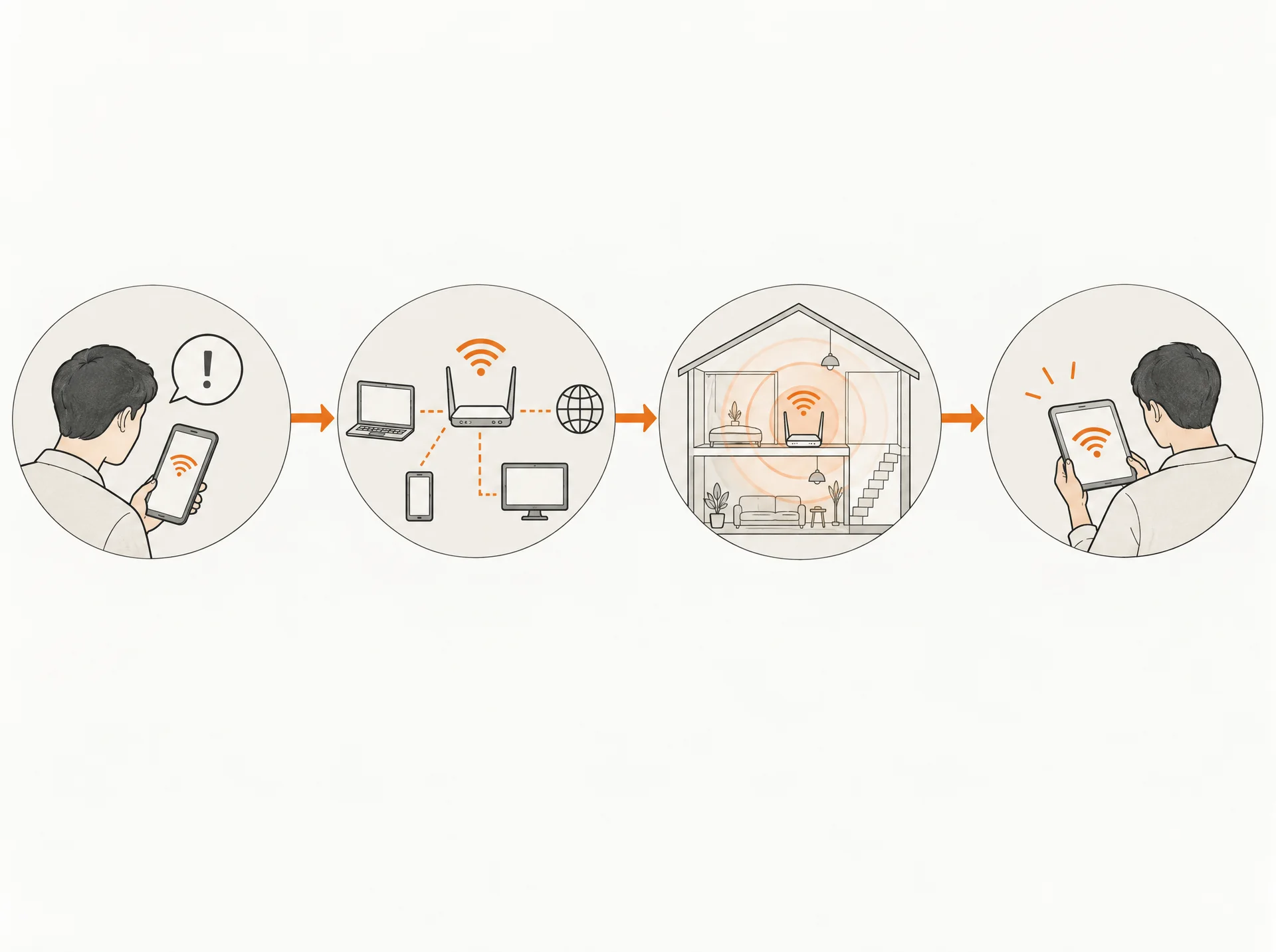
Record where and when the problem occurs
Write down the room, device, application and time of the issue. A video call failing in one room suggests a different investigation from every device losing internet together. Note whether the problem appears only during busy periods.
Use more than one example. A single speed test can be affected by its server, the device and other activity. The pattern across locations and connection methods is more useful than one headline number.
Separate the paths being tested
The internet service reaches the premises, the local network carries it around the building and Wi-Fi connects a device wirelessly. A limitation in one part cannot always be fixed by upgrading another.
Where safe and practical, a normal supported wired connection can help compare local wireless behaviour with the upstream connection. Avoid changing several settings at once, because that makes it difficult to identify which change helped.
Consider the building and the access-point location
Double-brick walls, long corridors, metal shelving and equipment cupboards can affect a wireless path. A router placed where the internet enters the building may not be in the best location for coverage.
Adding access points without a design can create interference or poor roaming. Assess cable routes, power and placement together. For fixed communications cabling, use an appropriately registered cabler.
- Coverage: can the device maintain a useful connection here?
- Capacity: can the network serve the users present?
- Roaming: does movement between areas work acceptably?
- Upstream service: is the internet path itself available?
Include the client device and application
Older or lower-capability devices may behave differently on the same network. Some applications are sensitive to brief interruptions even when general browsing appears fine. Test the equipment and workflows that matter to the occupants.
Keep router and account security in the scope. The Australian Cyber Security Centre provides guidance on securing Wi-Fi and router administration; troubleshooting should not leave the network with weaker access controls.
A planning example: calls fail in the back office
Suppose calls work near the main living area but fail in a rear office. Record the device and application, then note whether other devices show the same pattern in that room. If the same device works consistently elsewhere, that gives the assessor a different starting point from a problem affecting every location. It still does not prove a particular cause.
Draw the route between the router or access point and the office, marking major walls, levels and separate structures. Include existing data outlets. The proposed remedy can then be assessed against the building, rather than beginning with a purchase of a larger router or another mesh unit.
Compare a wired access point with a wireless extension
An access point with a wired connection and a device that uses a wireless link back to the network have different installation requirements. The wireless option depends on the quality of that connecting path as well as the signal reaching the user. Placing an extender in a room where the upstream signal is already poor may leave the main problem unresolved.
Ask how the proposed equipment connects back to the network, what cabling or power it needs and where it will be located. Existing equipment may still be usable after a placement or configuration change. The right choice depends on the site assessment and the level of coverage, capacity and mobility required.
Specify how the improvement will be checked
Use the original problem locations and everyday applications as the acceptance scenario. A video call at the work desk, a connection in a meeting room or moving between two occupied areas can reveal more than a speed result beside an access point. Record the device and conditions so later comparisons have context.
If the assessment uses a coverage diagram, ask whether it is a prediction from a plan or a measurement from the premises. Both can be useful, but they describe different evidence. Keep changes, equipment positions and remaining limitations documented, especially where an internet-provider or device issue remains outside the internal Wi-Fi work.
- Problem location, device, application and timing.
- Existing router, access points and available data outlets.
- How each proposed access point connects to the network.
- Actual tasks to demonstrate after the change.
- Measured observations, predicted coverage and remaining limits kept distinct.
What should a site assessment produce?
It should identify observations, limitations and proposed changes, with a way to check the result. A coverage plan should state whether it is predicted or measured. Ask for validation in the problem locations rather than accepting a promise of a particular speed everywhere.