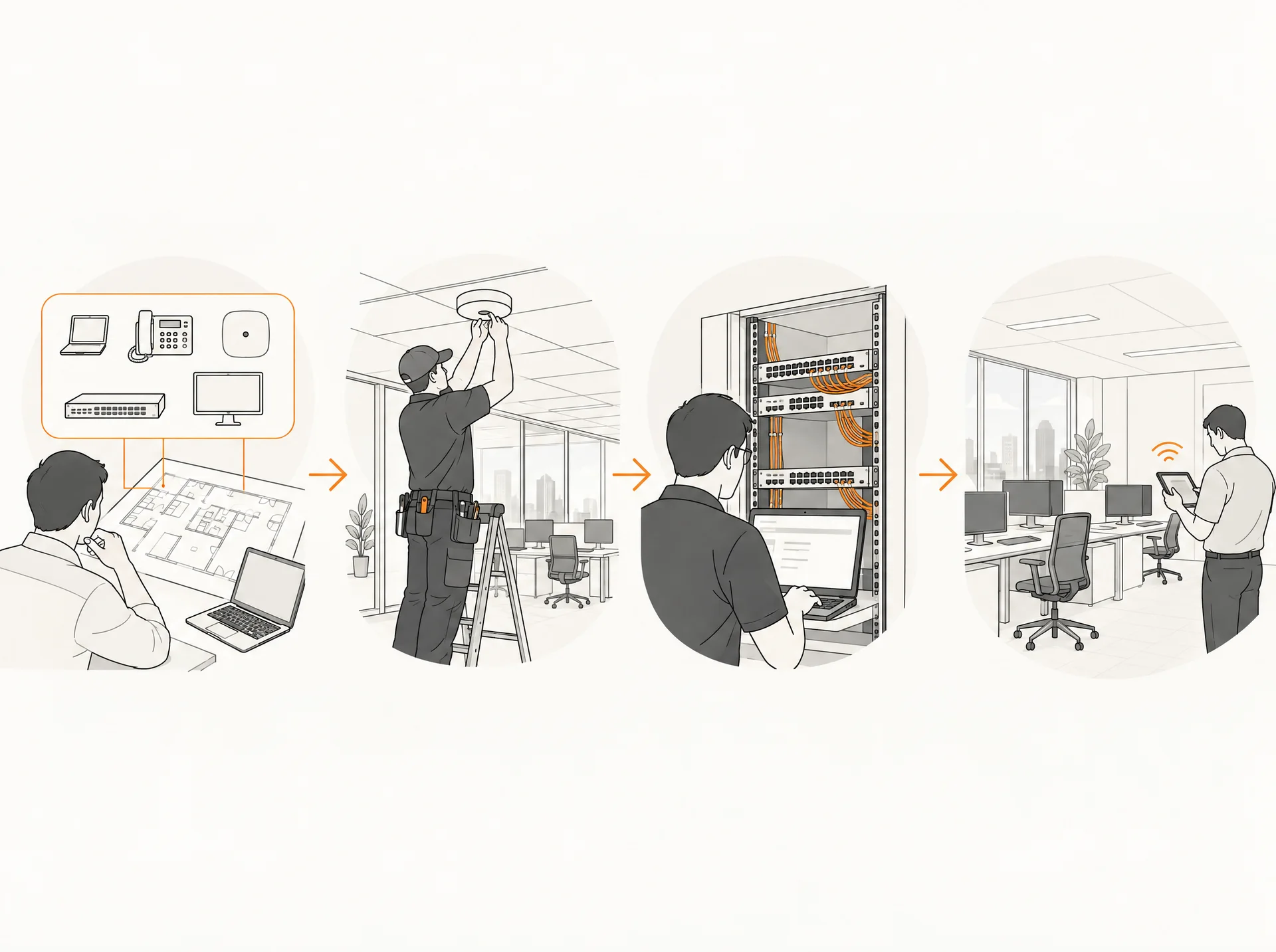
Build a device schedule from the floor plan
Start with desks, meeting rooms, reception and shared equipment. Add phones, printers, cameras, access control, displays and wireless access points where required. This gives a more complete port schedule than counting staff alone.
Identify equipment that will move and equipment that stays fixed. Wired connections can suit fixed devices, while wireless design needs to reflect where people gather and how many will connect at the same time.
Choose the communications location early
The rack or cabinet needs suitable space, mounting, ventilation, power and service access. Its location affects cable routes and how easily equipment can be maintained. Confirm the internet handoff and any landlord-controlled pathways.
Allow for equipment depth, patching and future additions. A cabinet that fits the hardware on paper may be awkward to service if cables and power connections have nowhere practical to go.
Coordinate the installation sequence
Place data outlets and access points before joinery and ceilings are finalised. Agree who provides penetrations, containment and making good. Communications cabling needs an appropriately registered cabler.
Arrange the internet service and any number porting independently of the internal installation schedule. A completed local network cannot provide an internet service that the provider has not activated.
- Outlet and device schedule.
- Rack, power and cable routes.
- Internet-service and provider responsibilities.
- Construction milestones and change windows.
Define users and permissions
List staff, guest and equipment groups. Decide which services must communicate across them, such as a meeting-room display or printer. Separate network administration from everyday user access.
Keep ownership of accounts and recovery details with the business. Document any ongoing support arrangement and the process for approving future changes.
A planning example: desks, a meeting room and guest access
Consider an office with fixed desks, a meeting room, a shared printer and visitors. The device schedule should identify the desk connections, meeting-room display or conferencing equipment, printer and wireless needs. Staff count alone misses those shared devices and the places where several people gather.
Define the interactions that must work: staff printing, a presentation to the meeting-room display and visitor internet access. That gives the configuration brief practical tasks to preserve when deciding network groups and permissions. The example is a planning aid, not a fixed design for every office.
Separate construction readiness from service readiness
Cables, outlets and racks can be installed before the internet provider has activated a service. A provider appointment does not mean the internal network has been configured or tested. Keep these workstreams visible, with a named contact for each and a date when their status will be checked before the move.
If staff are moving from an existing office, identify the equipment and services being transferred, retained or replaced. Agree the cutover window and how users will be told which systems are available. Any temporary connection or backup arrangement should be part of the scope and tested in its intended role rather than assumed to cover every business application.
Make the handover useful for the next change
Ask for outlet labels that match the patch schedule, an equipment inventory and clear ownership of the administrator accounts. Record which provider controls each service and how to request support. A cupboard full of working equipment is difficult to maintain when nobody knows which port serves a desk or who can recover the account.
Validate the tasks the business actually uses before treating the fit-out as ready: an ordinary call, a meeting, a print job and access from the nominated work areas. If resilience is included, demonstrate the agreed interruption scenario and record any limits. Future capacity should describe identifiable space, ports or provisions, rather than a general promise that the network can grow indefinitely.
- Labelled outlets and a matching patch schedule.
- Device inventory and equipment locations.
- Internet, phone and support-provider responsibilities.
- Business-owned administration and recovery arrangements.
- Results of agreed staff, meeting-room and resilience checks.
Test before move-in
Check labelled outlets, Wi-Fi in occupied areas and the applications the team relies on. Test a meeting, a phone call and access to shared equipment. Include backup connectivity or power only if it is part of the agreed design, and verify its actual behaviour.
Retain the patch schedule, equipment inventory and configuration record. These documents make the next desk move, expansion or fault investigation easier to scope.