Your project, in focus.Explore the details
What we can help with.
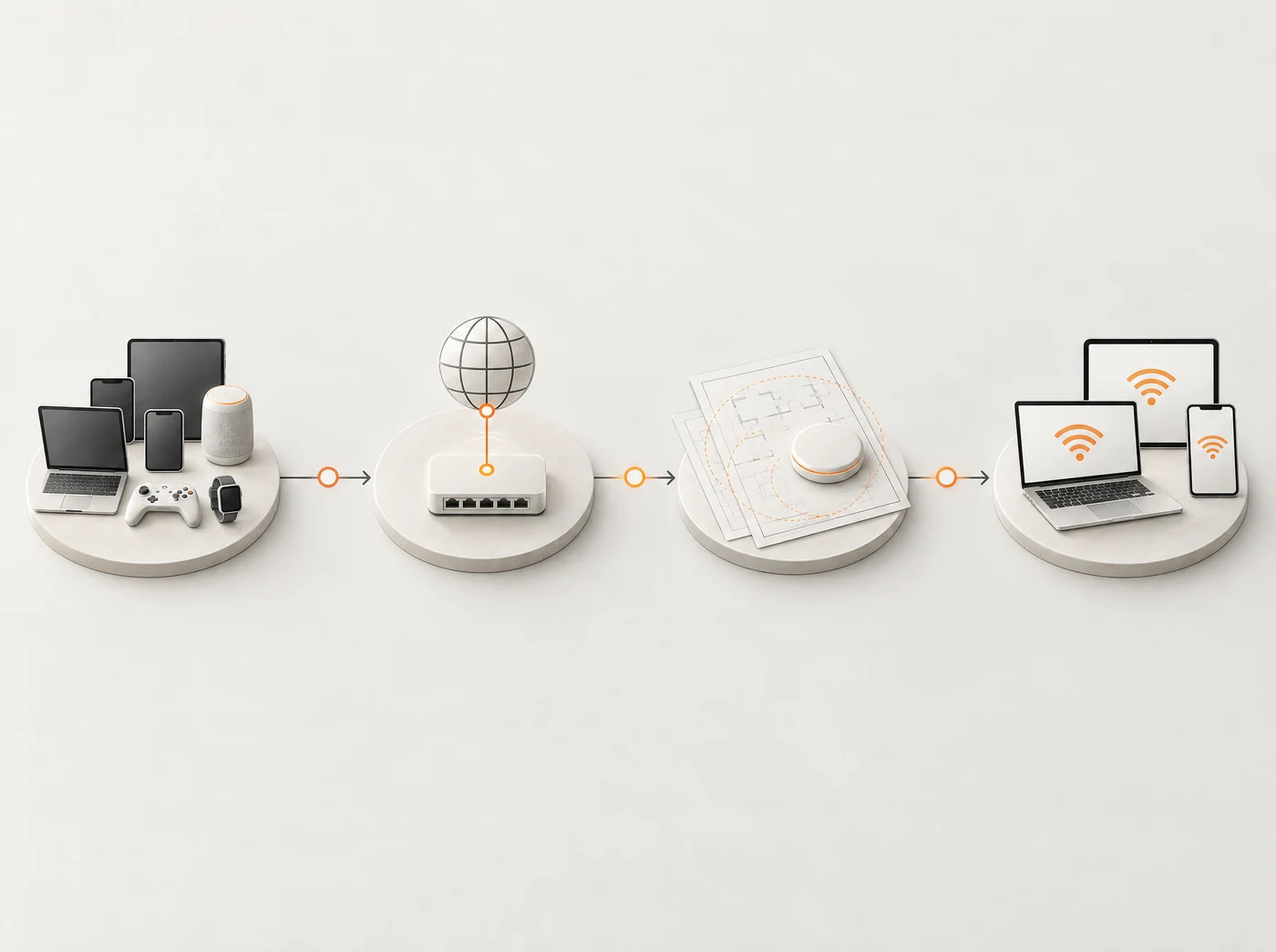
- Assess client devices, coverage and the wired connection to each access point.
- Wi-Fi 7 does not remove limits in internet service, switching or cabling.
Scope and site details
- The upgrade boundary should include access-point models, mounting, uplinks and power requirements.
- Newer radios may need supporting switch or cabling changes to use selected features.
- Current regulatory availability and manufacturer support should be checked for the equipment supplied in Australia.
- Older clients remain part of the design, so the plan should explain how they are accommodated.
What matters for your job.
- Benefits depend on compatible clients, local conditions and the chosen equipment.
- Compare the proposed change with improving access-point placement or wired connections.
- Avoid treating an advertised maximum rate as an expected user speed.
Before we visit.
- Current access points and client devices
- Observed performance problems
- Switch uplink and PoE details
- Coverage and capacity objectives
More to consider
- List current devices, applications and performance concerns.
- Check access-point uplinks, PoE requirements and mounting options.
- Test the upgrade with the clients people actually use.
A clear handover.
- Validate the chosen access points with the actual client mix and intended applications.
- Record which equipment uses newer features and which connects using earlier capabilities.
- Compare observed results with the original problem rather than a vendor’s maximum wireless rate.
Will older phones and laptops benefit equally?
- No.
- They may connect using earlier Wi-Fi capabilities.
- The result depends on each device and the wider network, so compatibility should be part of the assessment.
Should working Wi-Fi equipment be replaced solely because Wi-Fi 7 exists?
- Identify the limitation first. New radios may not fix poor coverage, cabling or an overloaded internet connection.
- Compare capacity, supported features and ageing hardware with targeted upgrades and the devices you actually use.