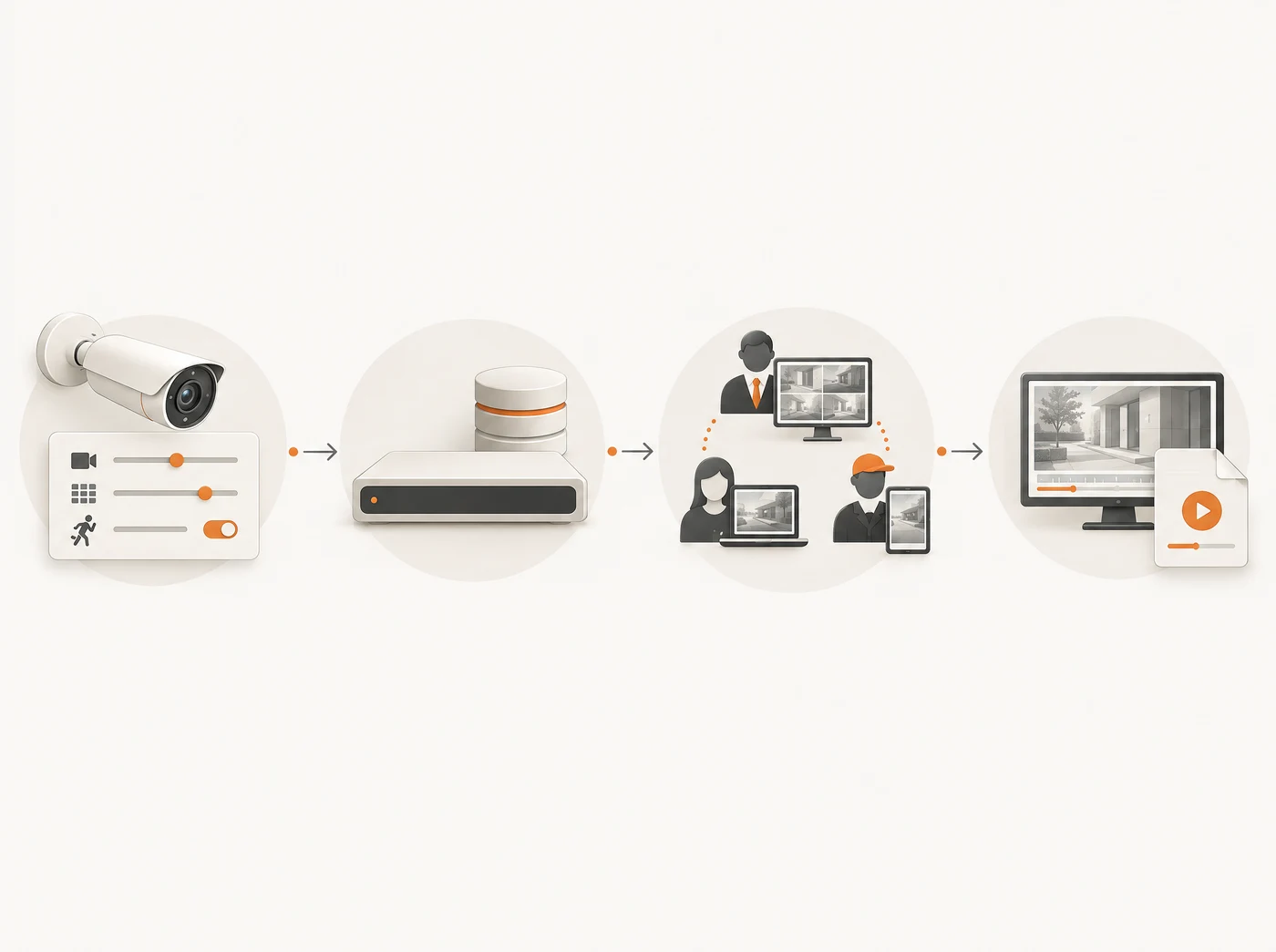
Your project, in focus.Explore the details
What we can help with.
- Plan recording mode, storage and retention around the footage you need to keep.
- Agree who can view or export recordings, including remote accounts, network access and recovery.
Scope and site details
- State whether recording is local, cloud-based or a supported combination.
- Hardware capacity, licences, internet upload and user accounts may each have a cost.
- Retention, automatic overwriting and incident exports should be described in the operating plan.
- A saved export may need separate secure storage because it is no longer governed by the recorder’s normal retention cycle.
What matters for your job.
- Longer retention, higher detail and continuous recording increase storage demand.
- A fixed number of days should be treated as a design objective until the actual configuration and scene activity are evaluated.
Before we visit.
- Camera count and recording mode
- Desired retention and export use
- Storage location requirements
- Authorised viewers and account owners
More to consider
- Identify critical cameras, expected event frequency and who manages accounts.
- Define export procedures and how storage warnings will be handled.
- Check remote viewing from outside the site and document ownership of the recording system.
A clear handover.
- Demonstrate how an authorised user finds and exports a selected event.
- Check that restricted users see only their intended views.
- Keep the storage configuration and account-recovery information, and define who will review warnings or a change in the actual retention period.
Does cloud access mean all footage is stored in the cloud?
- Not necessarily.
- Some systems use cloud services for connection or account management while recordings remain on a local device.
- Confirm the storage location and any subscription terms.
Can more storage be added after installation?
- Expansion depends on the recorder and supported disk configuration. It can involve downtime or changes to existing recordings.
- Check the expansion path before purchase. More capacity, improved resilience and a separate incident backup serve different purposes.