Your project, in focus.Explore the details
What we can help with.
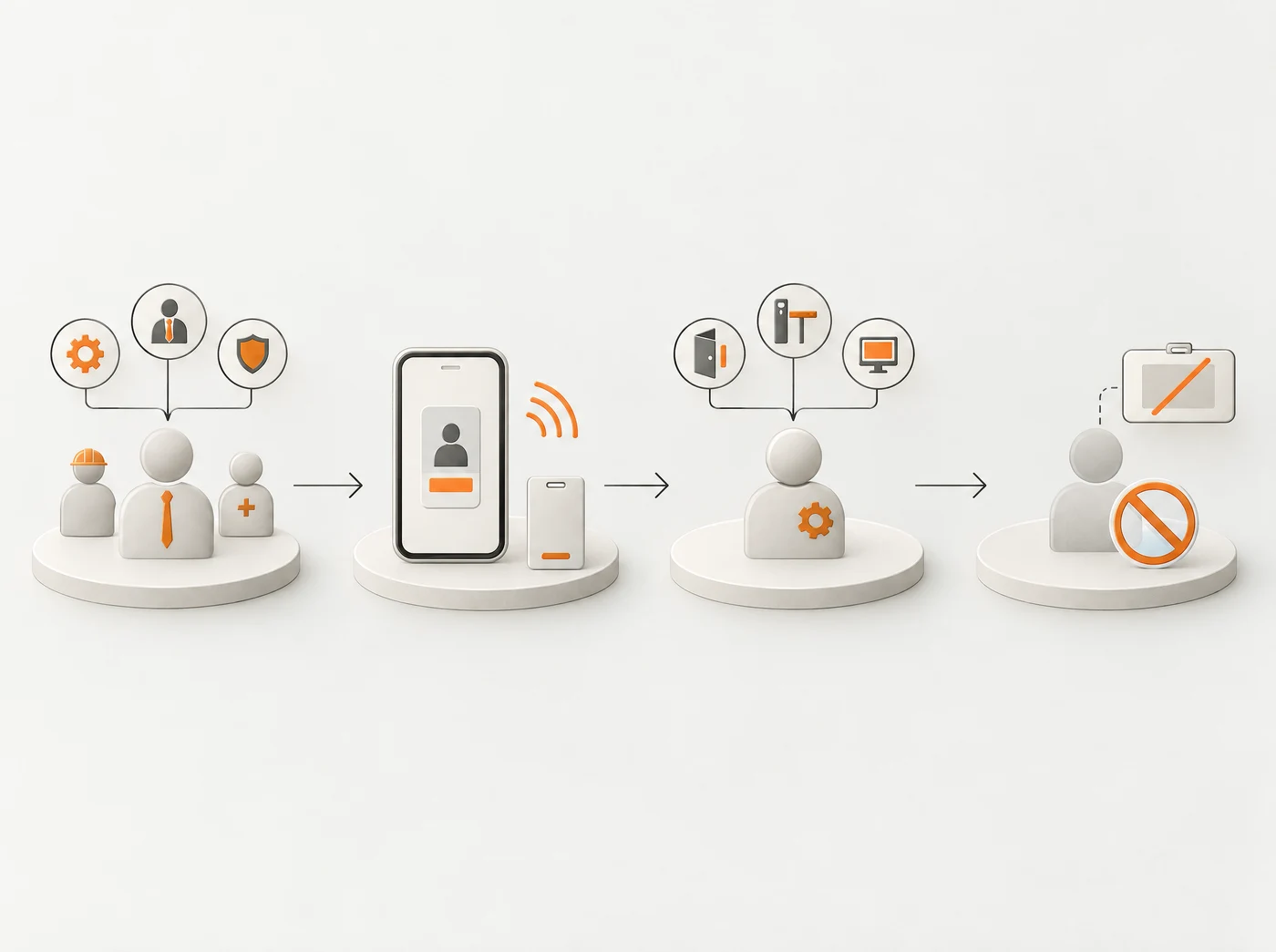
- Set up access by role, with a clear process for new starters and departing staff.
- Choose supported mobile credentials, cards or fobs around the people using them.
Scope and site details
- Include credential licences, devices and administrator training in the scope.
- The access policy should cover employees, casual staff and contractors without assuming every person has the same schedule.
- Changes made in a separate HR system do not automatically remove door access unless a verified integration exists.
- Keep a clear approval record for permission changes.
What matters for your job.
- Phone compatibility, account ownership, battery dependence and licence costs should be checked before making mobile access the default.
- Shared devices and contractors may need a different credential arrangement.
Before we visit.
- Role-to-door access schedule
- Supported staff devices
- Joiner and leaver process
- Required fallback credentials
More to consider
- Prepare a role-to-door schedule and identify who authorises changes.
- Decide how lost phones, replacement devices and staff departures are handled.
- Keep administrative ownership with the business and document the recovery process.
A clear handover.
- Use a sample staff account to demonstrate initial issue, a role change and offboarding.
- Confirm the business retains an authorised administrator and recovery route.
- Test any fallback credential so staff are not dependent on an untested procedure when a phone is replaced or unavailable.
Does mobile access require every staff member to use a personal phone?
- That depends on the chosen policy and system.
- A practical design can include an alternative credential for people without a suitable device or who need a separate work method.
Can access end automatically on a contractor’s last day?
- Many systems support expiry dates or schedules. Confirm and test the chosen platform and credential.
- Keep dates accurate, assign someone to review upcoming expiries and agree who can extend access if the job changes.