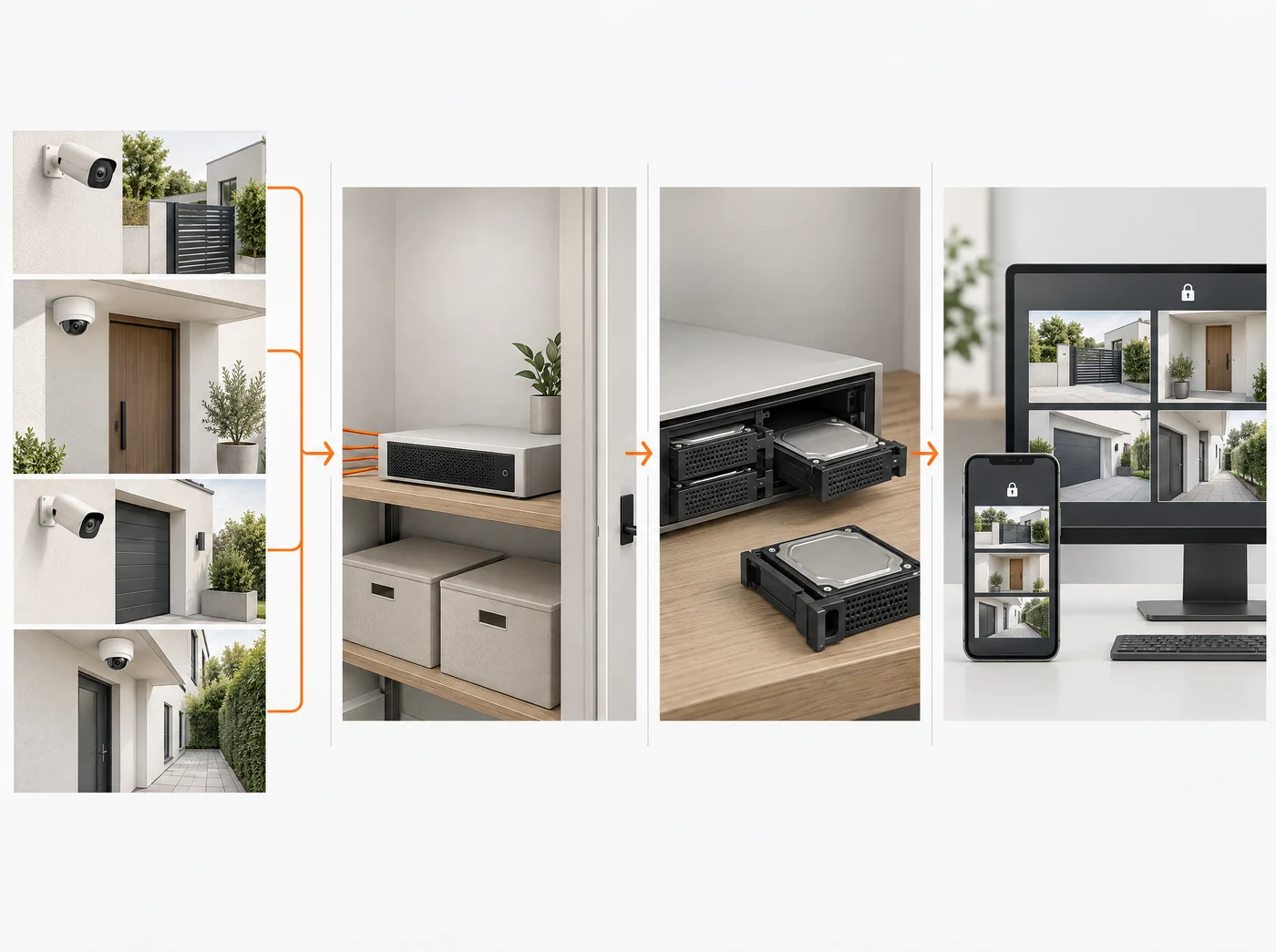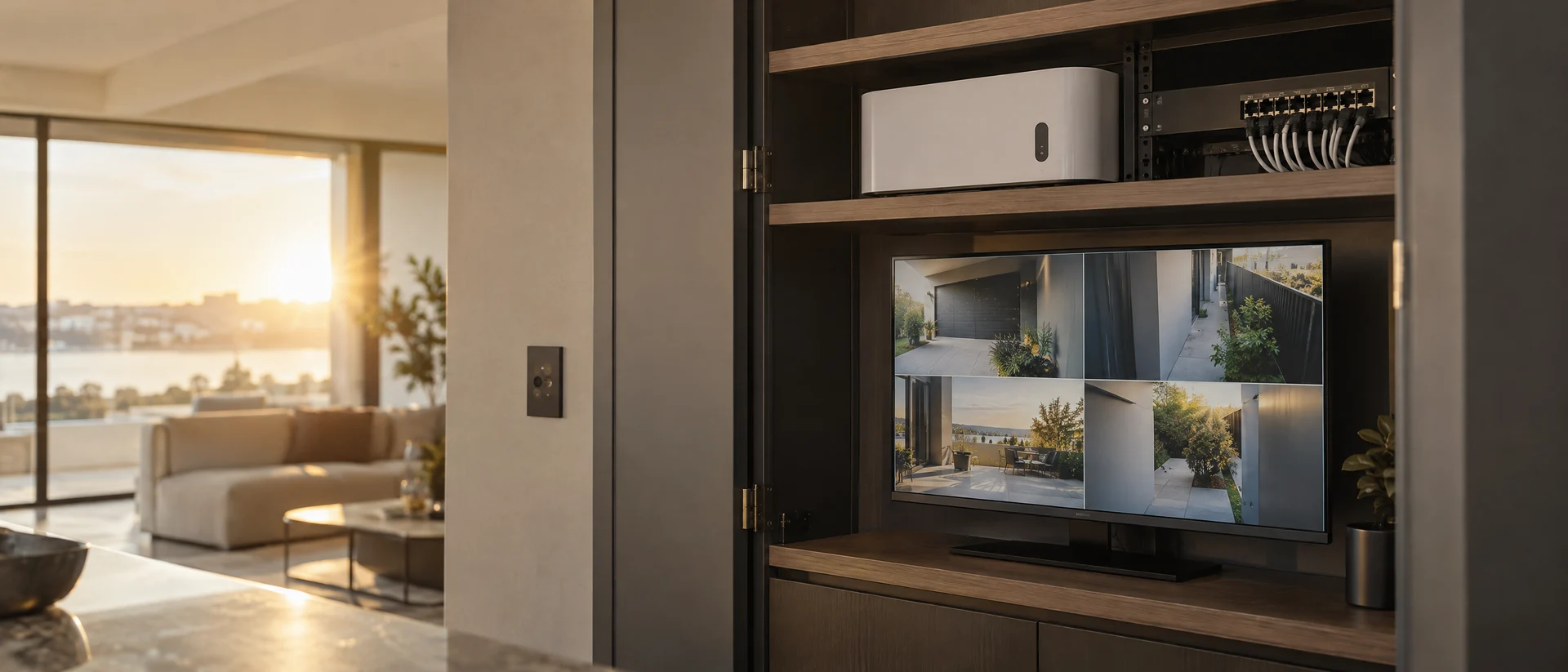
Your project, in focus.Explore the details
What we can help with.
- Camera layouts, compatible recording hardware, storage and network capacity planned together.
- Test the views and configure recording and access around the owner’s requirements.
Scope and site details
- The installation boundary should list cameras, mounting, network connections, recording hardware and storage.
- Additional analytics, displays or integrations should be named rather than implied.
- If a console also supports other applications, assess its intended combined use.
- Retention should be reviewed against real recording settings and activity rather than promised from a disk size alone.
What matters for your job.
- Choose cameras for their viewing task, mounting conditions and light levels.
- Check current product support and recording options before selecting a console or recorder.
- Storage decisions need an estimate based on the intended recording settings.
Before we visit.
- Camera views and mounting surfaces
- Existing console and switch models
- Recording and retention objectives
- Viewer and administrator roles
More to consider
- List priority views, existing UniFi equipment and who should view or administer footage.
- Agree retention objectives, remote-access permissions and account ownership.
- Verify playback and incident export as well as live video.
A clear handover.
- Check live views, recorded playback and an incident export under the owner’s account.
- Name cameras by location and verify the permitted viewer roles.
- Record the chosen recording settings and any retention estimate as a design assumption to review under actual use.
Can my existing UniFi console record all the new cameras?
- Its supported camera capacity, storage and other workloads need checking.
- Camera count alone is not a sufficient sizing method.
Can all existing third-party cameras be moved into Protect?
- Support depends on the exact camera, software and features required. Check current manufacturer-supported options before migration.
- A live stream does not establish support for events, audio or management. List retained equipment and any feature limits in the proposal.