Your project, in focus.Explore the details
What we can help with.
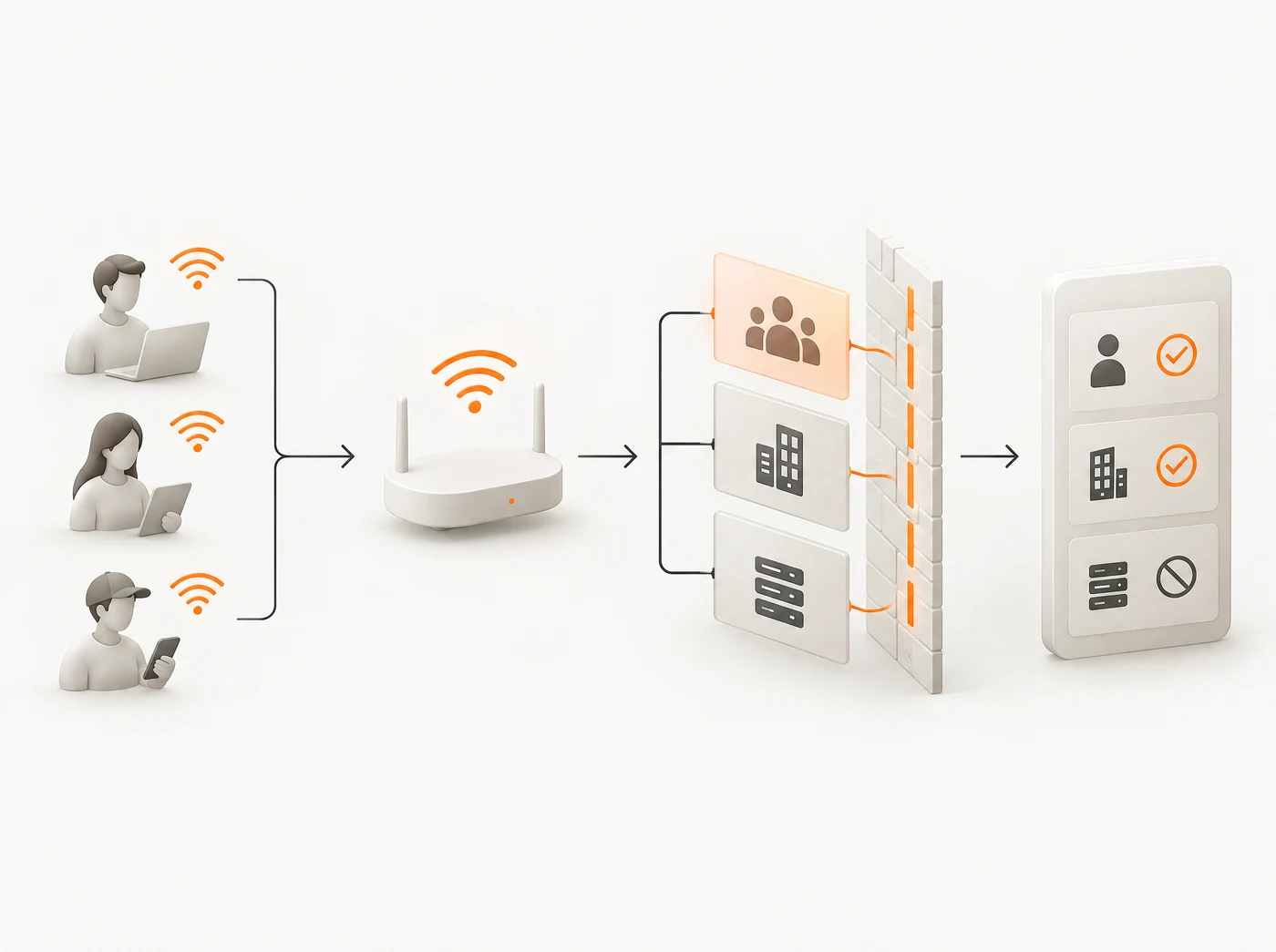
- Group users and devices, with rules controlling access between them.
- Give guests internet access while restricting access to business systems.
Scope and site details
- Agree user and device groups, permitted communication and administrative responsibility.
- A guest portal, voucher system or branded landing page is a separate capability to specify.
- Wired ports and remote access must follow the same intended separation.
- Shared printers and displays need explicit exceptions rather than a broad rule that reconnects everything.
What matters for your job.
- A different Wi-Fi name alone does not prove separation.
- Firewall rules, wired connections and shared services need consideration.
- Printers, casting and meeting-room equipment may require carefully defined exceptions.
Before we visit.
- Staff, guest and device groups
- Required cross-network services
- Existing switch and gateway support
- Guest onboarding and expiry preferences
More to consider
- List staff, guest, camera, access and other device groups.
- Identify the services that need to communicate across them.
- Test both permitted use and blocked paths before handing over the configuration.
A clear handover.
- Test allowed and denied communication paths using representative users and devices.
- Confirm guests can use the agreed services without reaching restricted business resources.
- Document exceptions so a later printer or display change does not lead to broad, unreviewed access.
Can guests use a meeting-room display without reaching office files?
- A suitable design may allow the required display function while restricting other access.
- The exact approach depends on the display protocol and network equipment.
Is a guest Wi-Fi password enough to isolate visitors?
- No. Separate names and passwords do not establish isolation; gateway, switch and access-point rules do.
- Test permitted services and blocked resources. Keep any exceptions narrow and documented.