Your project, in focus.Explore the details
What we can help with.
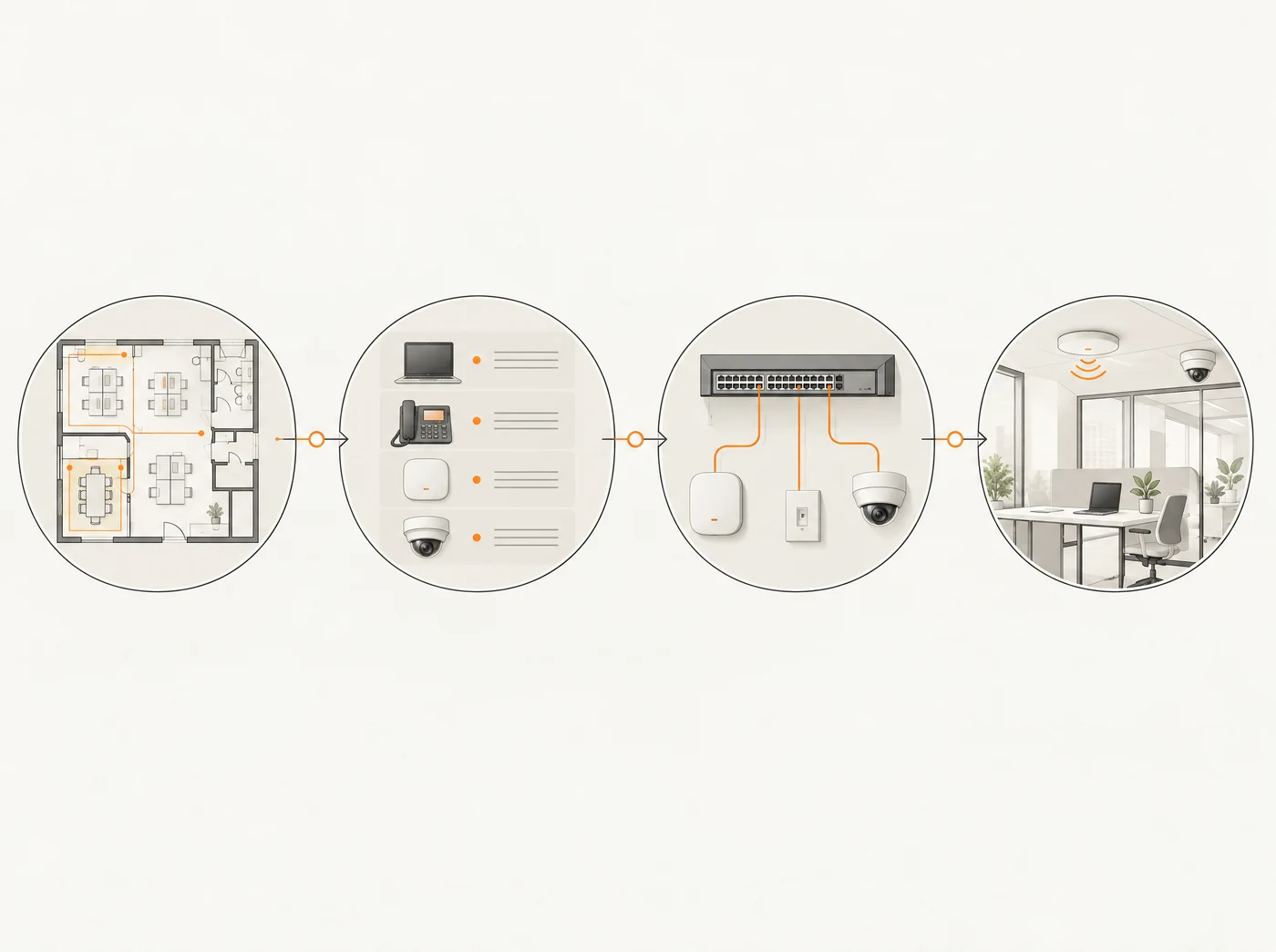
- Bring internet, cabling, switching and Wi-Fi into one office plan.
- Place equipment and outlets around furniture and the way your staff work.
Scope and site details
- Define internal cabling, Wi-Fi, switching and user setup separately from provider activation and business software support.
- Landlord permissions and building pathways may constrain installation.
- Include meeting-room devices and phones rather than only desk outlets.
- If staff are moving from an existing office, plan account, number and equipment migration without assuming the same-day move will cover every dependency.
What matters for your job.
- Desk count alone misses meeting-room systems, printers, phones, cameras and spare ports.
- The location of the communications cabinet and internet handoff can affect cable routes and installation timing.
Before we visit.
- Seating and meeting-room plan
- Complete device and port schedule
- Internet-provider activation details
- Move-in and construction dates
More to consider
- Supply the current floor plan, seating schedule and service-provider details.
- Identify move-in dates and any existing equipment to retain.
- Test the services users rely on before the office becomes occupied.
A clear handover.
- Test the intended desks, meeting rooms, phones and shared devices before move-in.
- Keep the outlet schedule and account ownership records.
- Record any provider service still awaiting activation, so completion of internal network work is not confused with a live external connection.
When should network planning begin during a fit-out?
- Before outlet locations and joinery are fixed.
- Early coordination reduces the chance of installing cables or equipment after finishes are complete.
Can the network be ready before the internet service is active?
- Internal installation and local checks can often proceed before the provider activates the internet service.
- Any temporary connection needs an agreed scope and limitations. Test the permanent service after activation before calling that stage complete.
A business fit-out in Mandurah
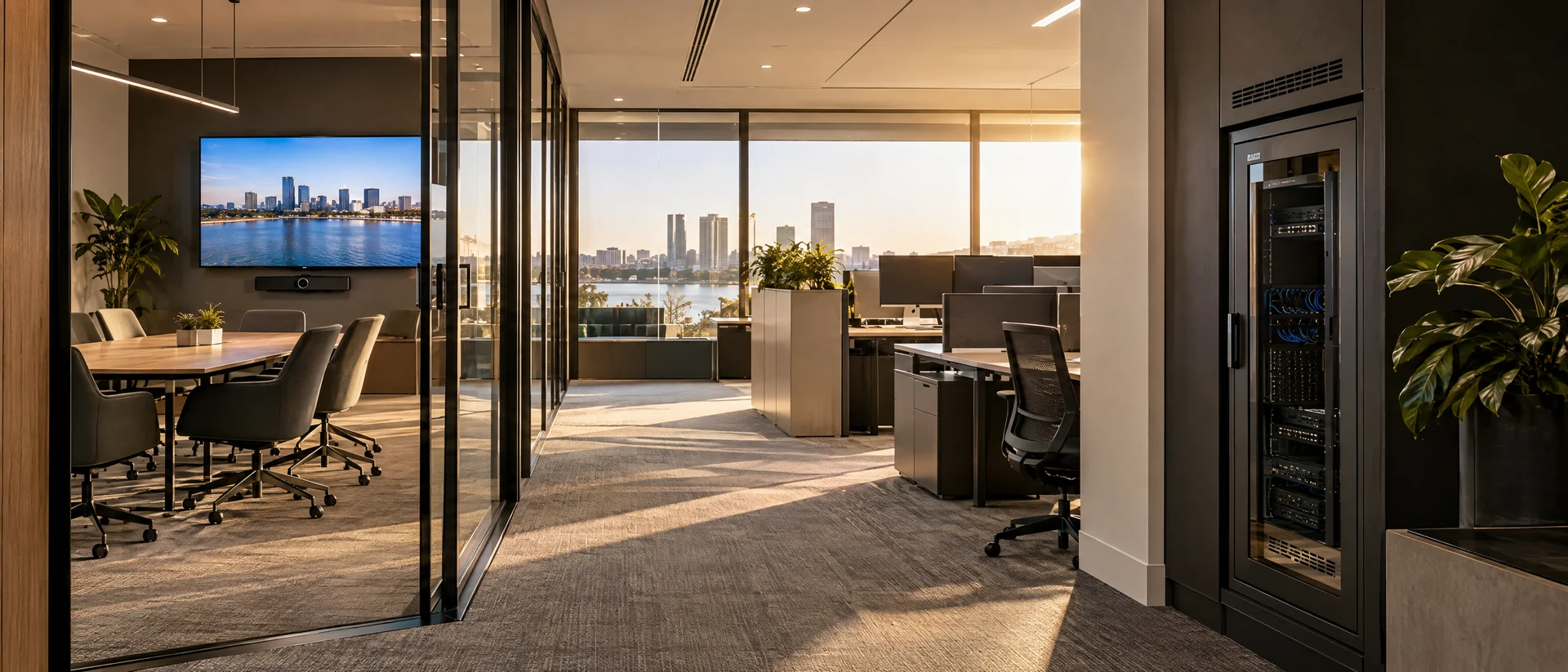
- The Mandurah business fit-out records fibre to the rack, gigabit infrastructure, cameras and staff/customer access.
- The written project record describes the installed functions without identifying an access-control manufacturer.