Your project, in focus.Explore the details
What we can help with.
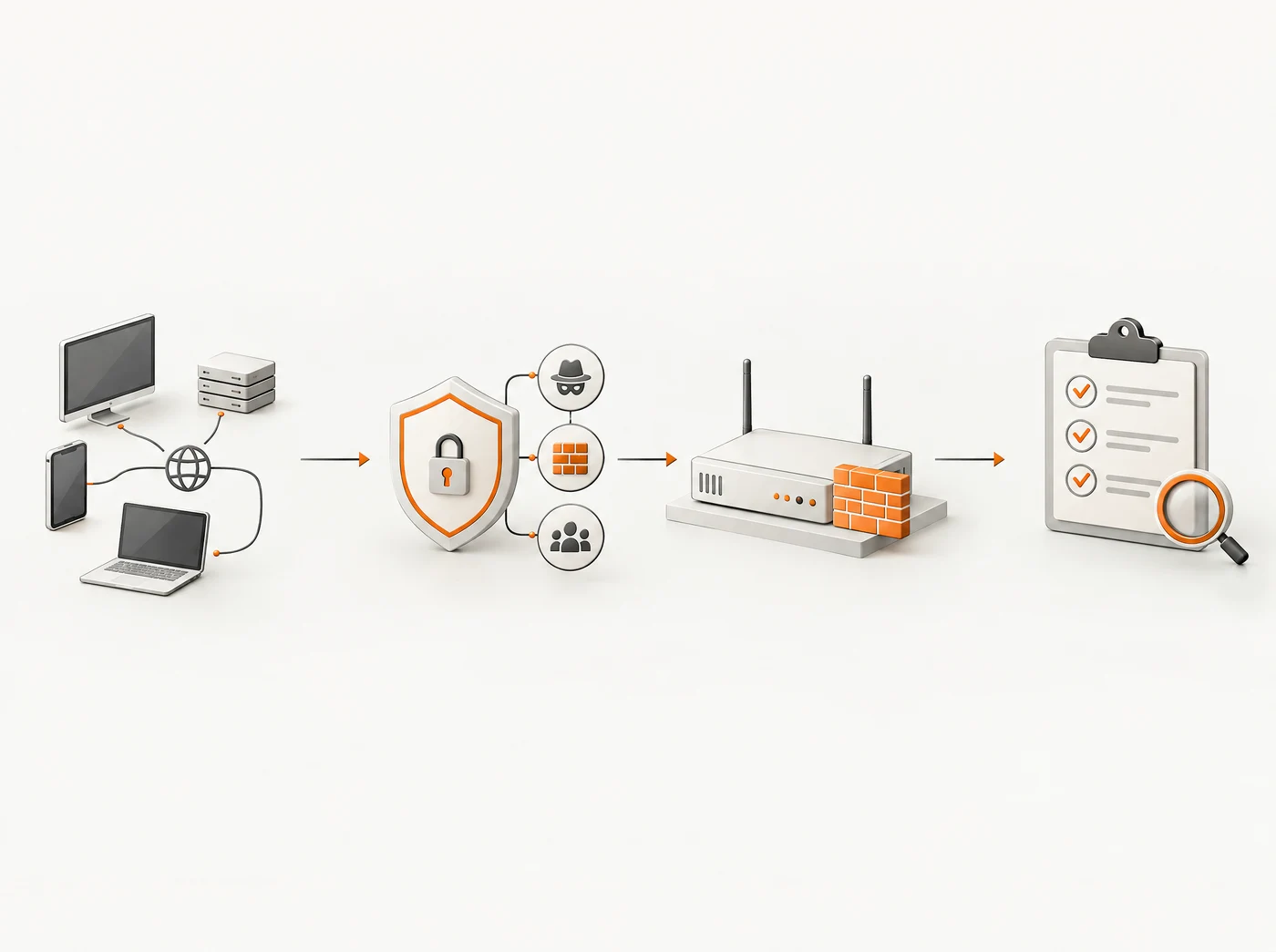
- Connect your local network to the internet or other networks.
- Set firewall permissions around the services your site actually uses.
Scope and site details
- List internet connections, remote-access functions and security features within the gateway scope.
- Provider authentication, public addressing and third-party software may influence configuration.
- Hardware ratings should be considered under the intended features, not only a maximum specification.
- Include account ownership, update responsibility and a recoverable configuration before changing the network edge.
What matters for your job.
- Port count, throughput and supported features need consideration under the intended settings.
- VPN use, traffic inspection and multiple connections can influence equipment choice.
- No appliance removes the need for account and device security.
Before we visit.
- Provider and connection details
- Critical applications and remote users
- Existing firewall and VPN needs
- Required backup connection behaviour
More to consider
- Provide internet-service details, remote-access needs and critical applications.
- Identify who approves firewall changes and maintains the equipment.
- Save a recoverable configuration and test essential services after changes.
A clear handover.
- Verify essential applications, remote access and any secondary connection included in the brief.
- Retain configuration backups and an owner-controlled recovery route.
- Record important rules and their purpose so later changes do not rely on an undocumented collection of exceptions.
Can a more powerful firewall make the internet connection faster?
- It can remove a local equipment bottleneck where one exists.
- It cannot increase the capacity of the service supplied to the premises.
Can remote access be added without exposing the whole network?
- Supported remote-access methods can limit users to the services they need, with appropriate account protection.
- Define permissions, logging and recovery, then test access and restrictions. Opening an inbound port is not a universal solution.