Your project, in focus.Explore the details
What we can help with.
- Power supported cameras, access points and other devices through data cabling.
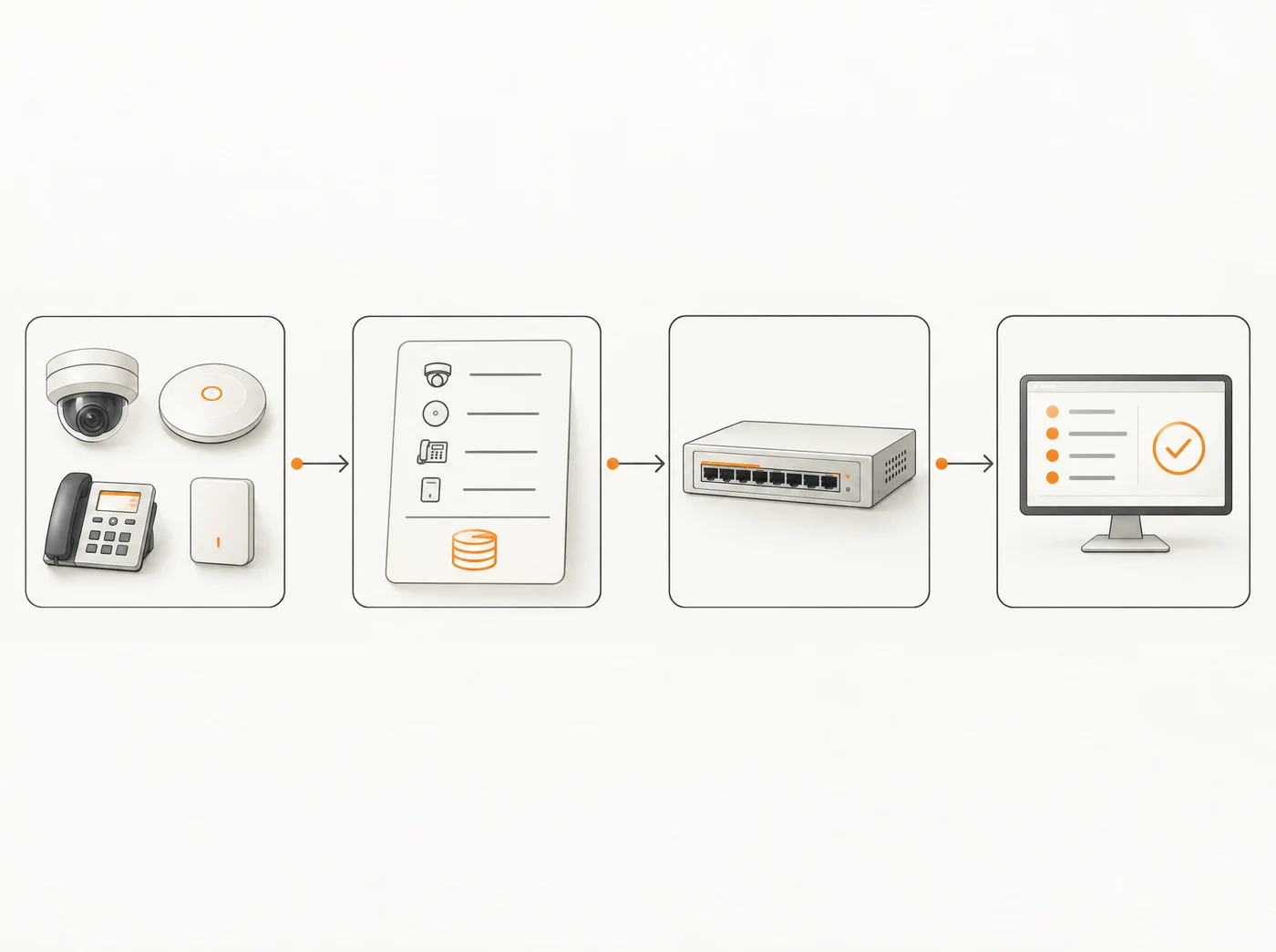
- Choose switches from a device schedule and a defined power budget.
Scope and site details
- Specify the switch, uplinks, supported PoE methods and the total planned device load.
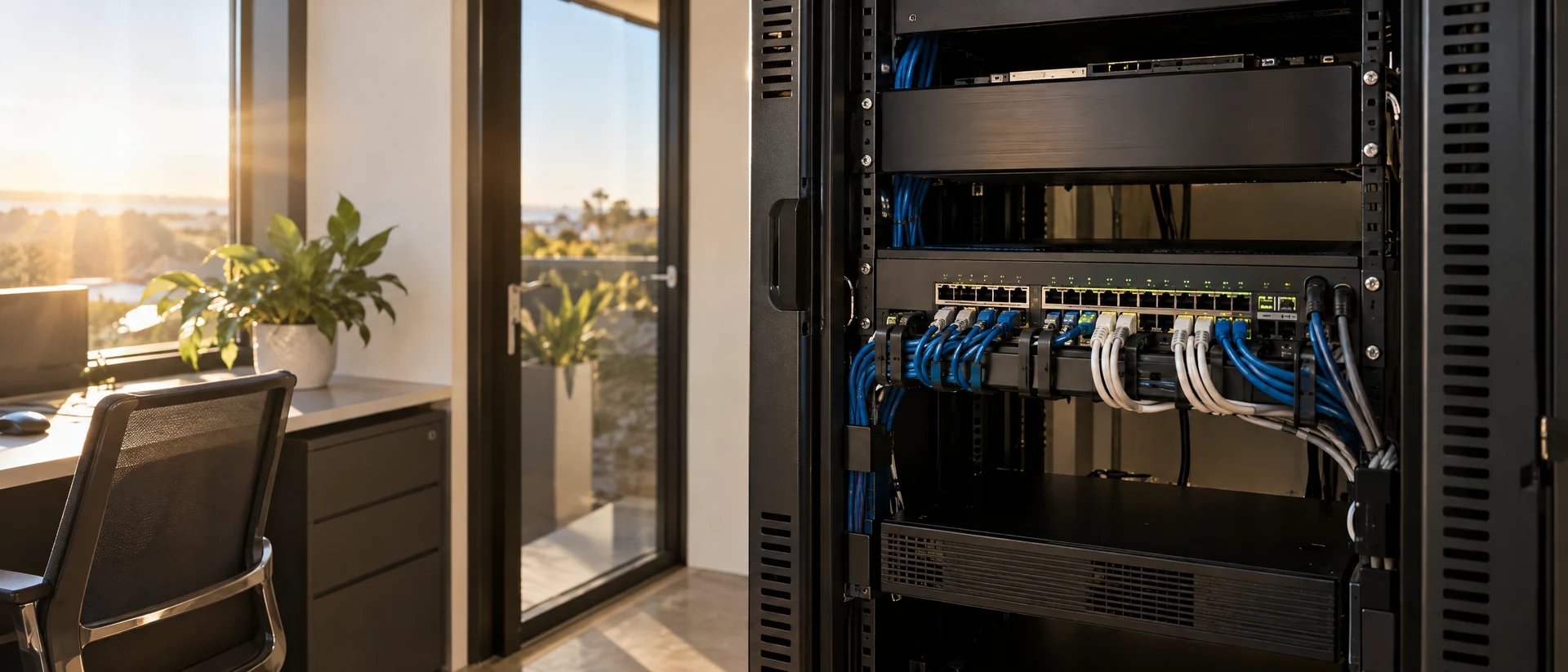
- Cabinet airflow and power supply arrangements can affect installation.
- Devices with different requirements should be checked individually.
- If the switch supports cameras or door equipment, include the operational consequence of a switch outage and whether backup power forms part of the agreed design.
What matters for your job.
- Having enough ports does not mean enough PoE power is available.
- Individual device requirements, supported PoE standards, uplink capacity and cabinet ventilation all matter.
Before we visit.
- Device models and maximum power needs
- Required port and uplink count
- Rack and ventilation conditions
- Future devices and backup-power objective
More to consider
- List each powered device and its model, including planned additions.
- Confirm cable routes and switch location.
- Allow for backup-power requirements if connected devices need to operate during a mains interruption.
A clear handover.
- Confirm each powered device starts and operates under the planned load.
- Record switch ports, device requirements and remaining power allowance based on the installed configuration.
- Any runtime expectation for a supporting UPS should be checked separately with the complete connected load.
Can any PoE switch power any PoE device?
- No.
- The device and switch must support a compatible power method and sufficient power.
- Check the current specifications rather than relying on the PoE label alone.
Does connecting a device use the same power all the time?
- No. Radios, illumination, accessories and operating state can change demand.
- Use supported device requirements, a compatible power method and a total switch budget that includes foreseeable expansion.