Your project, in focus.Explore the details
What we can help with.
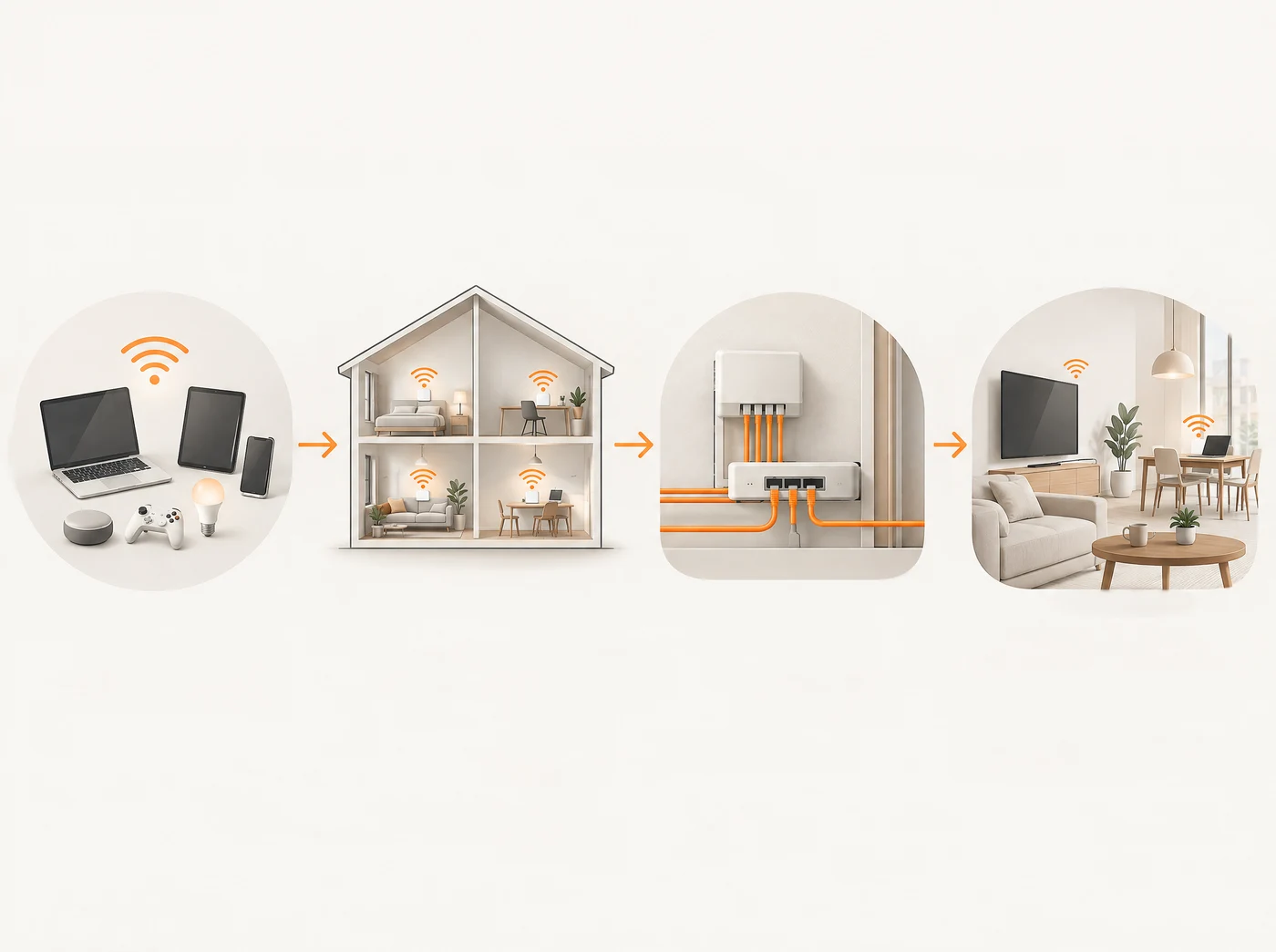
- Connections for home working, streaming, cameras and outdoor areas.
- Identify unreliable rooms, fixed devices and the best location for network equipment.
Scope and site details
- Define the rooms, outdoor areas and detached spaces included in the network brief.
- New data outlets, access-point mounting and changes to the internet service can be separate work.
- Smart-home, camera and guest devices may need different permissions.
- Identify existing cable routes and finish expectations before assuming every desired access-point position can be reached easily.
What matters for your job.
- Wired connections can suit stationary devices, while Wi-Fi needs thoughtful access-point placement.
- Double-brick walls, long floor plans and detached rooms can influence the design.
- Internet-plan speed and local coverage are separate questions.
Before we visit.
- Floor plan and weak-signal areas
- Work and entertainment devices
- NBN and router locations
- Existing data outlets and cabling
More to consider
- Mark weak areas on a floor plan and list the devices used there.
- Include the NBN connection location and any existing data outlets.
- Agree account ownership and straightforward instructions for the household.
A clear handover.
- Check the rooms and devices named in the brief, including the home office and any outdoor area included.
- Explain the normal user controls and where account recovery information is kept.
- Record known limitations rather than promising identical speed in every corner.
Will a faster internet plan fix a weak signal in the back room?
- Not by itself.
- The connection into the house and the wireless path to that room need to be assessed separately.
Is a mesh kit always the best way to reach another room?
- Mesh can suit some properties, but the link between nodes still needs good signal. Thick walls and poor placement can limit it.
- Compare wired access points, supported mesh and practical cable routes for your home.
A connected home in Waikiki
- The Waikiki home project brought CAT6 cabling, U7 Wi-Fi, cameras, storage and backup power together around a new cabinet.
- Gate and door access activation remained a later stage.