Your project, in focus.Explore the details
What we can help with.
- Support selected gateways, switches, recorders or other equipment during a mains interruption.
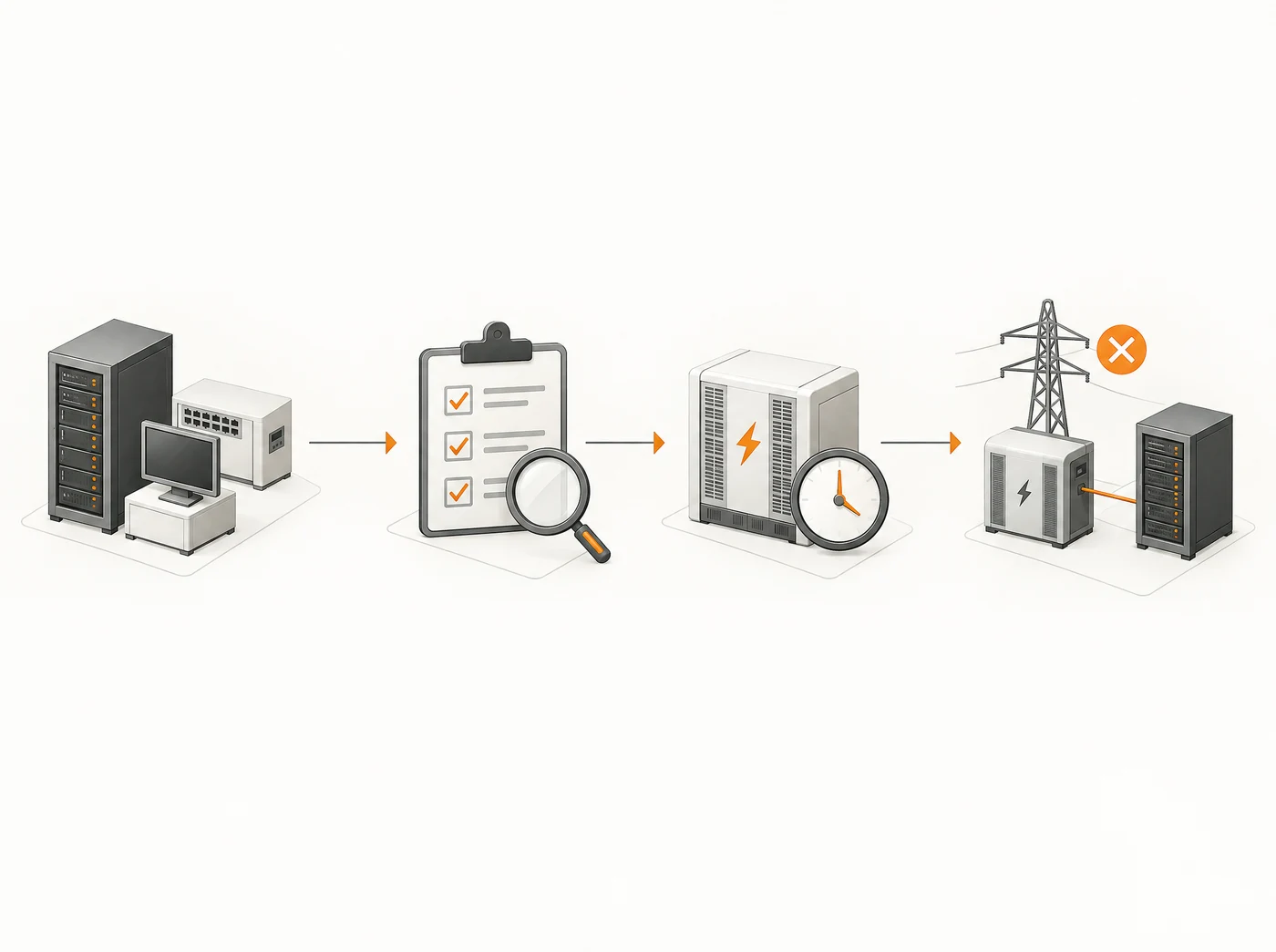
- Define the essential services and required runtime before selecting a UPS.
Scope and site details
- Specify the UPS, connected load, power distribution and any supported shutdown software.
- Runtime is a design objective to assess with the actual equipment and battery condition.
- External internet infrastructure, separate switches and remote devices may remain unsupported.
- Include how battery replacement and alerts will be managed so backup power does not become an unmonitored box in the rack.
What matters for your job.
- Runtime depends on the actual load, battery condition and UPS capacity.
- A protected rack does not guarantee internet or phone availability if upstream equipment loses power.
- Shutdown behaviour also matters for storage devices.
Before we visit.
- Critical equipment and PoE loads
- Desired outage objective
- Available rack and electrical connection
- Shutdown and monitoring requirements
More to consider
- Prepare an equipment list and identify PoE-powered devices that add to the load.
- Confirm the rack space and electrical connection.
- Plan battery inspection, alerts and an orderly shutdown where supported.
A clear handover.
- Test the selected outage behaviour in an agreed maintenance window.
- Record the equipment supported and the conditions of any runtime observation.
- Confirm alerts and supported shutdown behaviour, and keep battery maintenance responsibility visible in the site records.
Does a UPS keep the entire site online?
- Only the connected equipment is supported, and external services have their own dependencies.
- Define the intended outcome and test the selected load rather than promising uninterrupted service.
Should every network device be connected to the UPS?
- Choose the devices needed for the outage plan, including switches and PoE dependencies.
- Non-essential loads reduce runtime. Map the complete connection path and test the selected arrangement.