Your project, in focus.Explore the details
What we can help with.
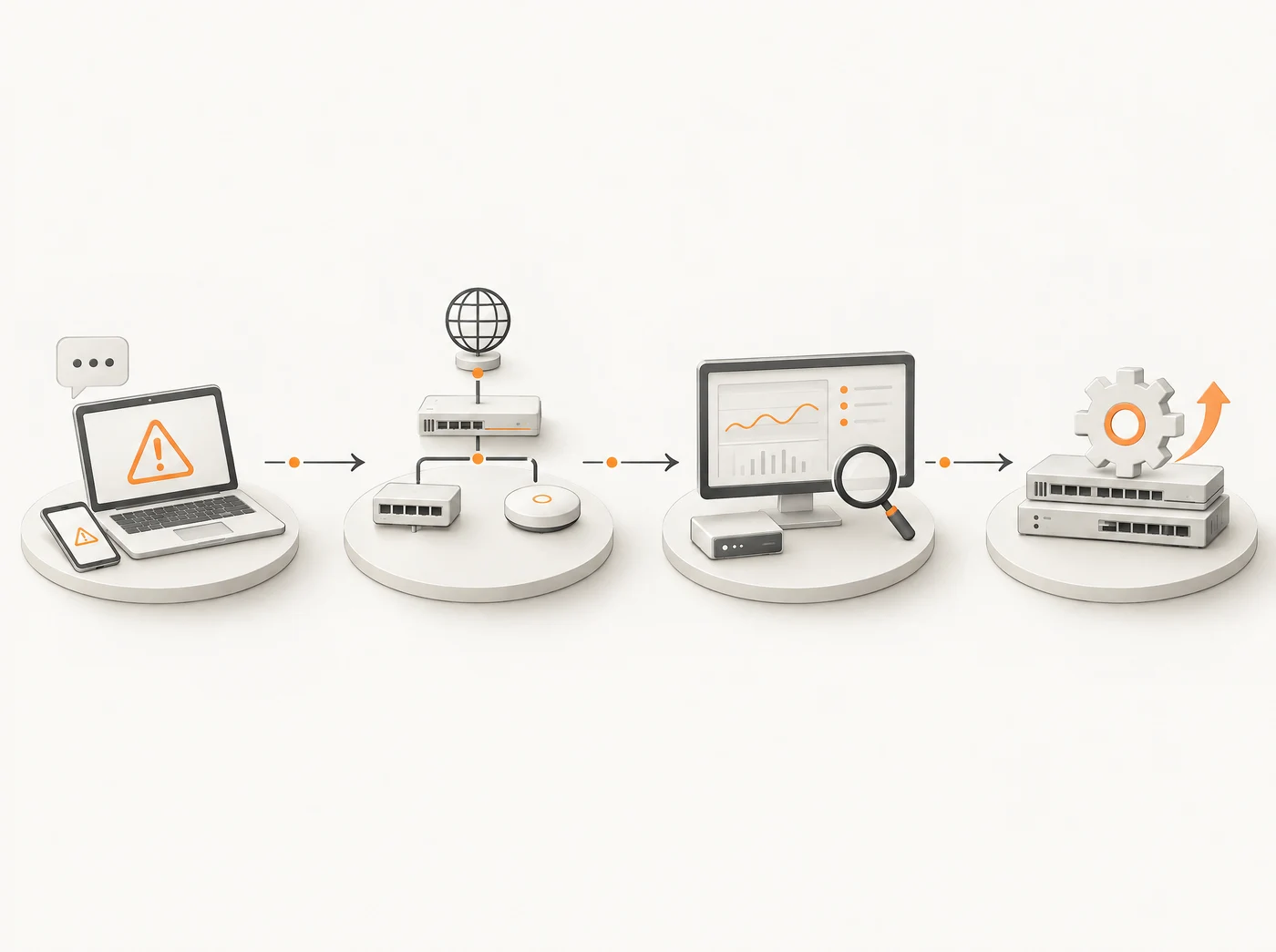
- Separate internet-service problems from wired faults, Wi-Fi coverage and device issues.
- Record when and where symptoms occur to focus the investigation.
Scope and site details
- The investigation should name the affected services and the access available for diagnosis.
- Network changes, client-device support and provider escalation are different activities.
- Back up recoverable settings before disruptive work and identify rollback options.
- If the issue lies outside the local installation, retain the observations needed for the responsible provider instead of replacing unrelated site equipment.
What matters for your job.
- A speed test alone does not explain every issue.
- Timing, affected users, connection method and application behaviour can reveal whether the problem is local or shared.
- Upgrades should follow the findings.
Before we visit.
- Examples with time and location
- Affected devices and applications
- Current network layout
- Recent changes and outage tolerance
More to consider
- Collect examples with dates, locations and affected applications.
- Provide the equipment list and any recent changes.
- Agree a change window and configuration backup before work that could interrupt the network.
A clear handover.
- Compare the original symptoms with post-change observations and record the configuration changes made.
- Where the fault is intermittent, agree a monitoring or follow-up approach.
- Do not claim a permanent resolution from one successful test if the original condition was not reproduced.
Will a new router solve intermittent dropouts?
- Only if the router or its configuration is the cause.
- Cabling, Wi-Fi interference, device behaviour and the upstream connection may need investigation.
What if the problem belongs to the internet provider?
- Record the timing, affected connection and test results, distinguishing local findings from a confirmed provider diagnosis.
- Escalate with the account holder and provider. Local improvements cannot be treated as a repair to an unresolved upstream service.