Your project, in focus.Explore the details
What we can help with.
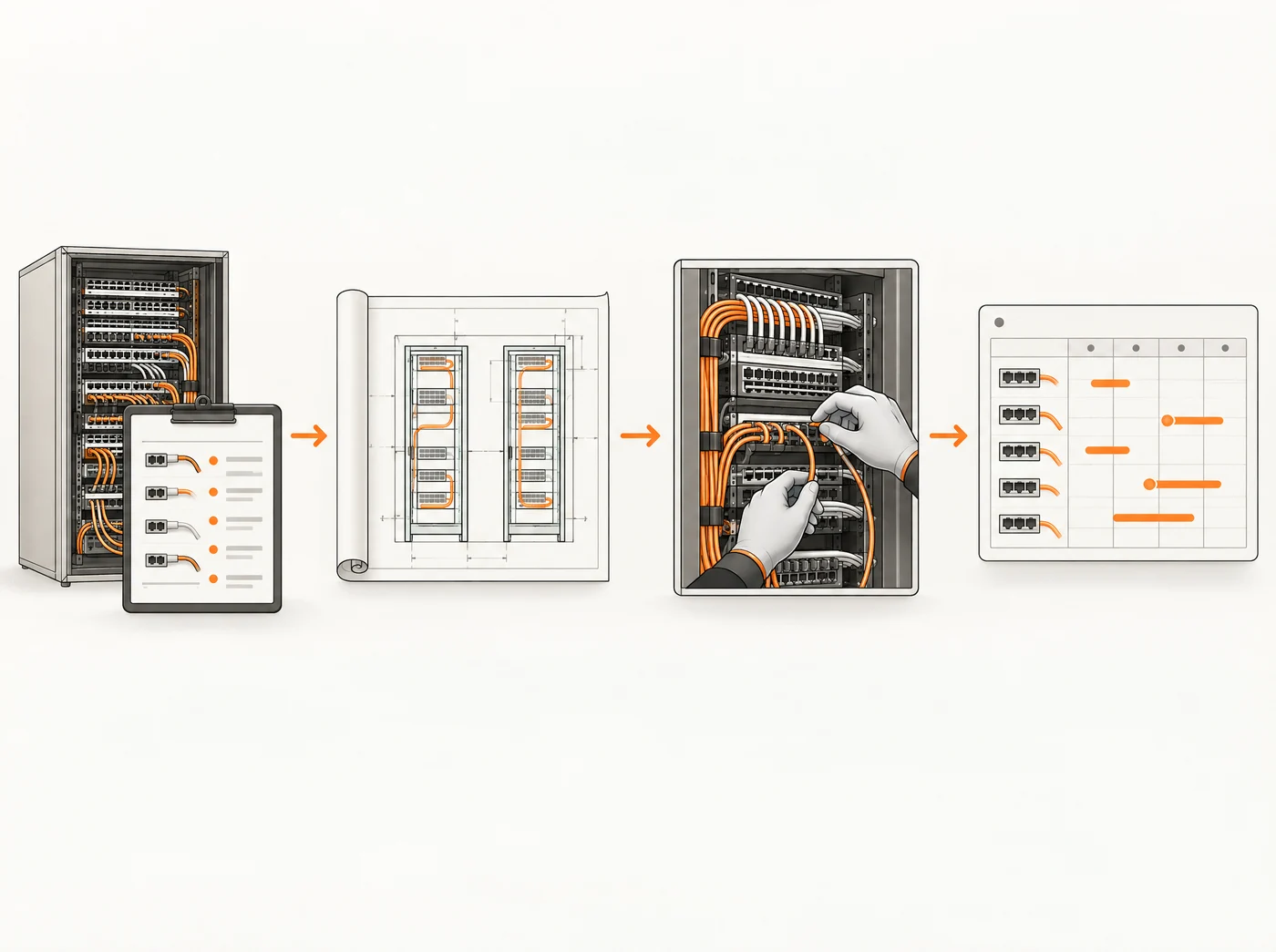
- Identify connections, plan the layout and reroute or replace suitable patch leads.
- Leave a usable record of what each connection serves.
Scope and site details
- Define whether the work includes only patch-lead organisation or also equipment relocation, replacement panels and cable removal.
- Unknown circuits need identification before disconnection.
- Tight change windows may require a staged approach.
- Retain a record of the original arrangement and establish who can confirm that critical systems are working before the cabinet is closed.
What matters for your job.
- Appearance should follow function.
- Excessively tight bundles can make maintenance difficult, while unlabelled short leads can be as confusing as long ones.
- Equipment airflow and access must remain practical.
Before we visit.
- Rack photographs and equipment inventory
- Known critical connections
- Available patch schedules
- Permitted downtime and access
More to consider
- Arrange a maintenance window and identify critical connections.
- Record the existing layout before disconnecting anything.
- Agree the labelling system, patch schedule and which inactive cables may be removed.
A clear handover.
- Check the restored connections against the inventory and confirm that critical services operate.
- Leave readable labels and a patch schedule.
- Identify unused leads or uncertain circuits clearly rather than disconnecting them on appearance alone.
Can a rack be tidied without any downtime?
- Some organisation can happen while operating, but repatching may interrupt services.
- The sequence should be based on identified connections and agreed outage windows.
Should unused-looking cables be removed?
- Remove cables only when their purpose is known and removal is authorised. They may serve spare, idle or infrequently used equipment.
- Label uncertain connections and document approved decommissioning so required services stay intact.