Your project, in focus.Explore the details
What we can help with.
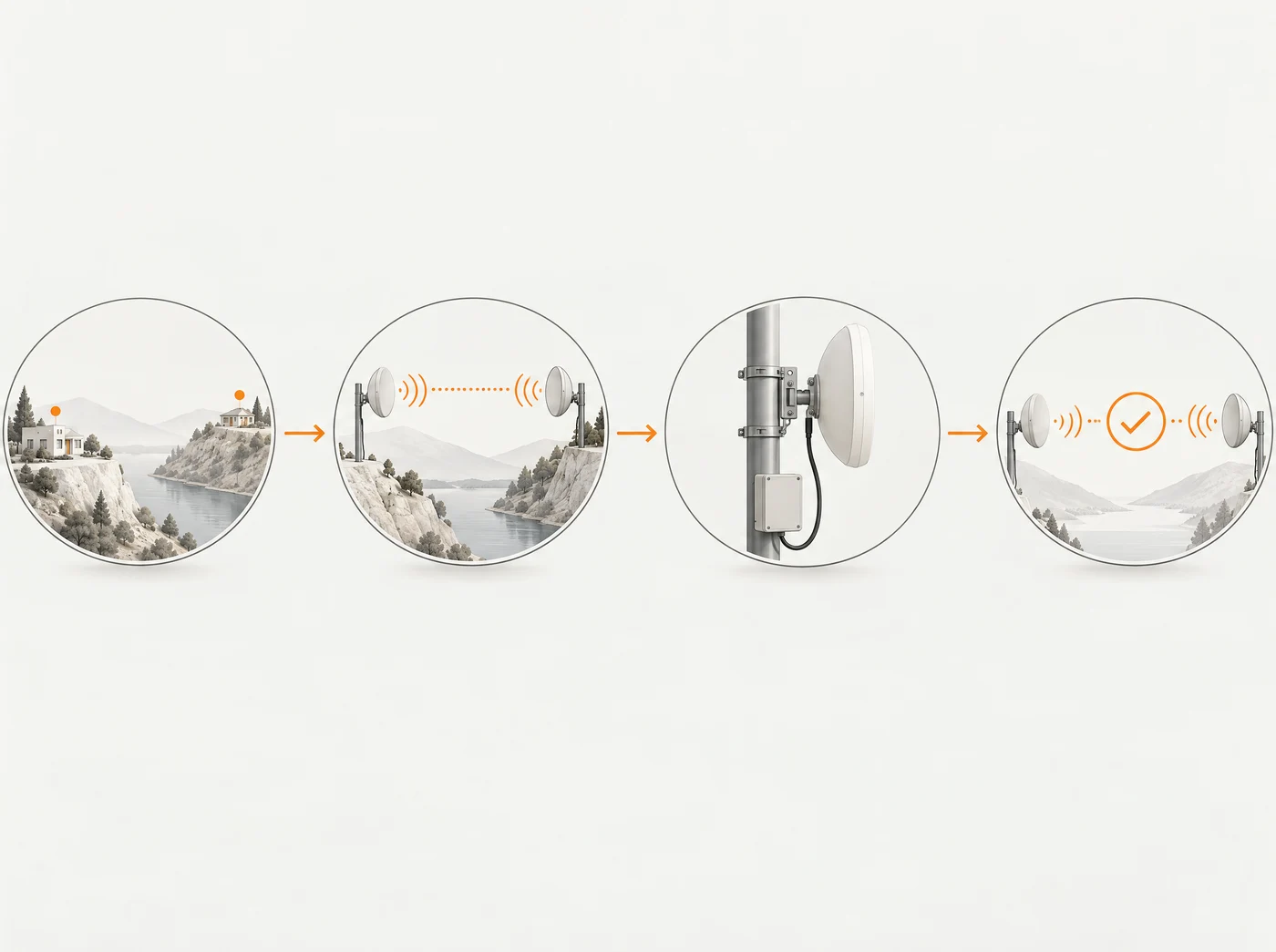
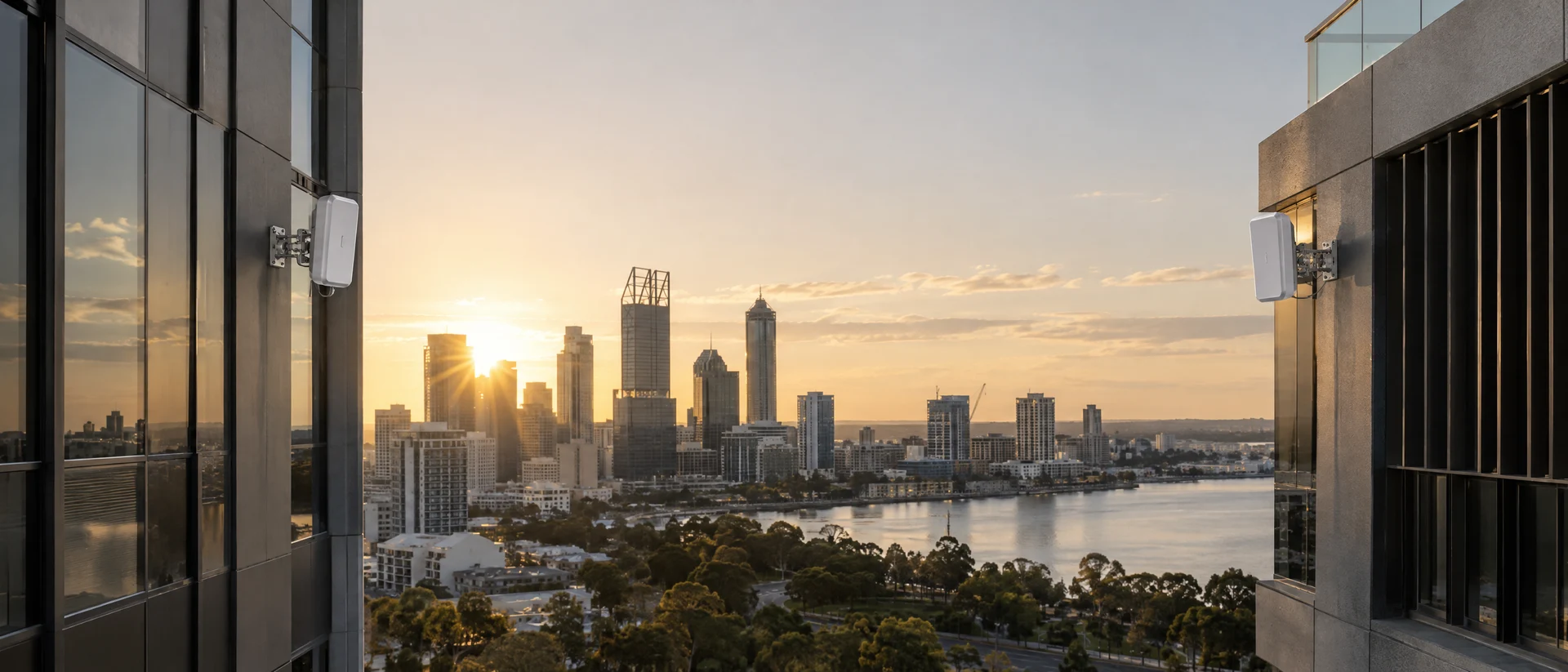
- Link network locations over a planned radio path.
- Consider detached buildings or difficult cable routes, subject to path and performance assessment.
Scope and site details
- The scope should define endpoints, mounting, power, network interfaces and validation.
- A wireless bridge needs a suitable path and supported radio design; it is not a replacement for assessing access or permissions on shared buildings.
- Weather exposure and vegetation growth should be considered.
- If one endpoint belongs to another occupier, establish maintenance and access arrangements before installation.
What matters for your job.
- Clear sightlines, mounting stability, distance and interference affect suitability.
- A bridge is different from adding a normal indoor Wi-Fi extender.
- Power and weather exposure at each end also need planning.
Before we visit.
- Endpoint photos and approximate distance
- Line-of-sight obstructions
- Available mounting and power
- Traffic and availability requirements
More to consider
- Provide photos between the locations, approximate distance and the applications that will use the link.
- Identify mounting and power options.
- Agree performance checks and a maintenance approach for both ends.
A clear handover.
- Test the link with the applications and traffic it is intended to carry.
- Record the endpoint locations and any environmental limitation.
- Keep access and maintenance details for both ends so future roof work or vegetation growth can be assessed against the original path.
Will a bridge work through trees?
- Vegetation can obstruct or change the radio path, especially as it grows or becomes wet.
- Suitability needs assessment rather than an assumption based only on distance.
Is a wireless bridge as reliable as a cable?
- Reliability depends on the site and design. Wireless has path and interference constraints; cabling has route and damage risks.
- Compare capacity, access and maintenance, then validate the proposed link’s performance.