Your project, in focus.Explore the details
What we can help with.
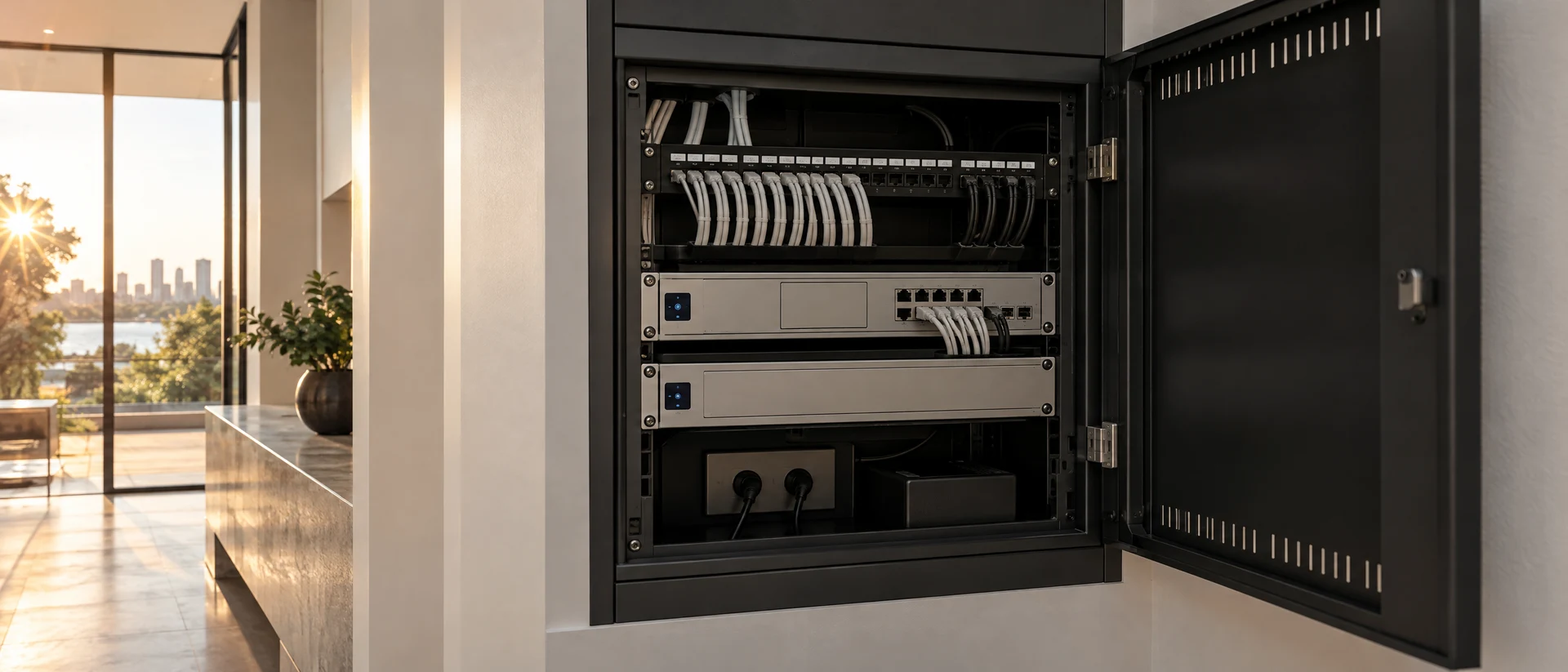
- Gateways, switches and access points with a suitable management setup.
- Start with your wired and wireless needs before selecting devices.
Scope and site details
- List the UniFi applications and equipment actually included, along with the management and ownership arrangement.
- Internet-provider activation, cabling and third-party integration are distinct tasks.
- Check current compatibility rather than assuming all products with the UniFi name can share any console.
- Define any retained equipment and the way users will move from the existing network.
What matters for your job.
- Gateway capacity, switch ports, PoE demand and wireless coverage need consideration together.
- Current compatibility and feature support should be checked before the equipment schedule is finalised.
Before we visit.
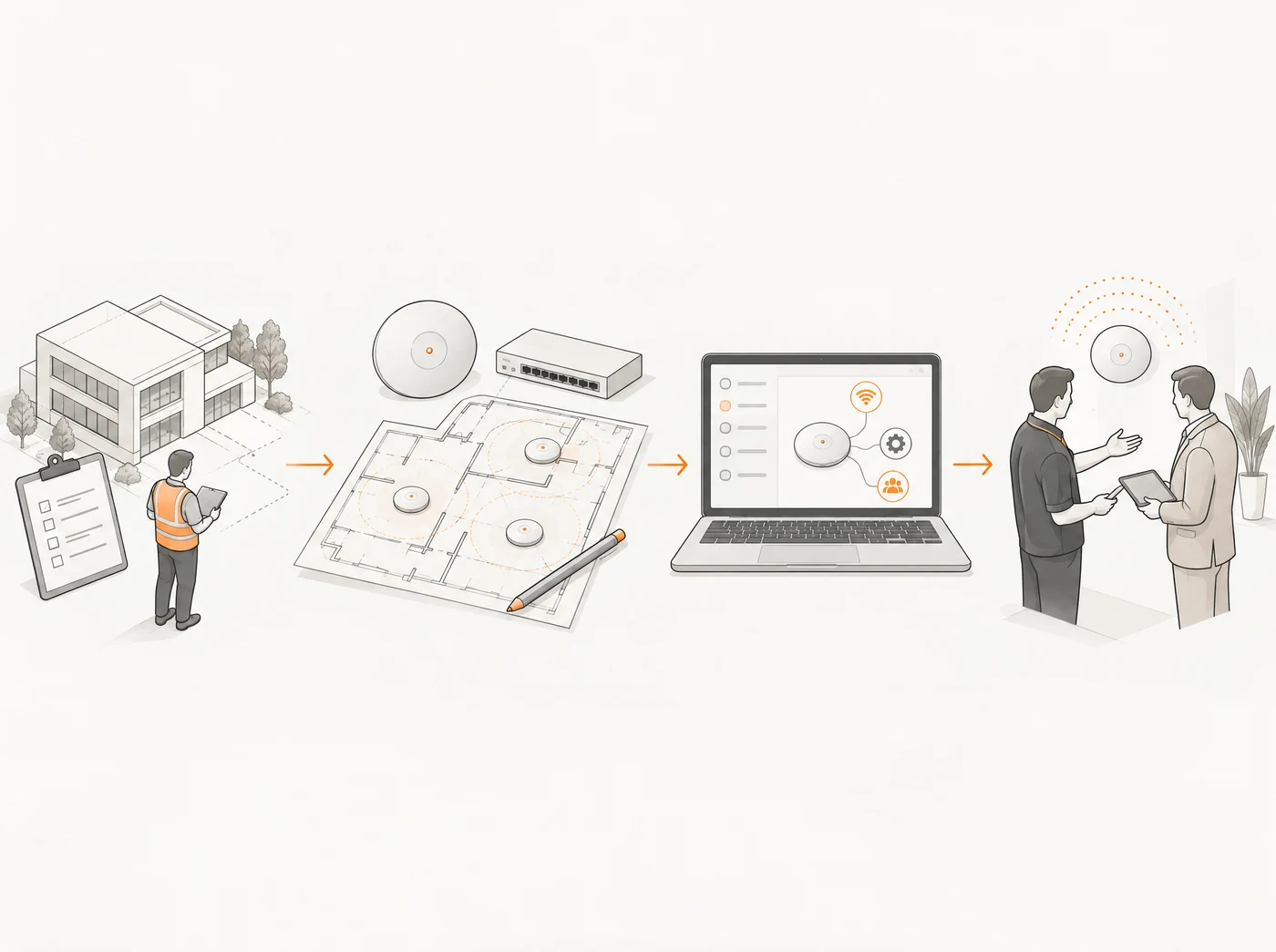
- Site plan and device schedule
- Existing internet and network equipment
- Staff and guest requirements
- Owner administration arrangements
More to consider
- Provide site plans, internet-service details and existing equipment.
- Define staff, guest and device networks.
- Keep account ownership, recovery methods and configuration records with the business or property owner.
A clear handover.
- Demonstrate the agreed networks and owner access, then retain a recoverable configuration and equipment inventory.
- Verify the important wired and wireless services.
- Any ongoing administration or remote-support arrangement should be explicit rather than assumed because the installer created the account.
Can UniFi equipment be added in stages?
- Yes, where the architecture supports it.
- A staged plan should identify which components remain, what each stage changes and how users will move to the new network.
Will the installer keep control of my network account?
- Agree ownership and recovery access before setup. Provider permissions should match the support role you choose.
- Record responsibility for updates and configuration backups. Ongoing management is a separate decision from installation.