Your project, in focus.Explore the details
What we can help with.
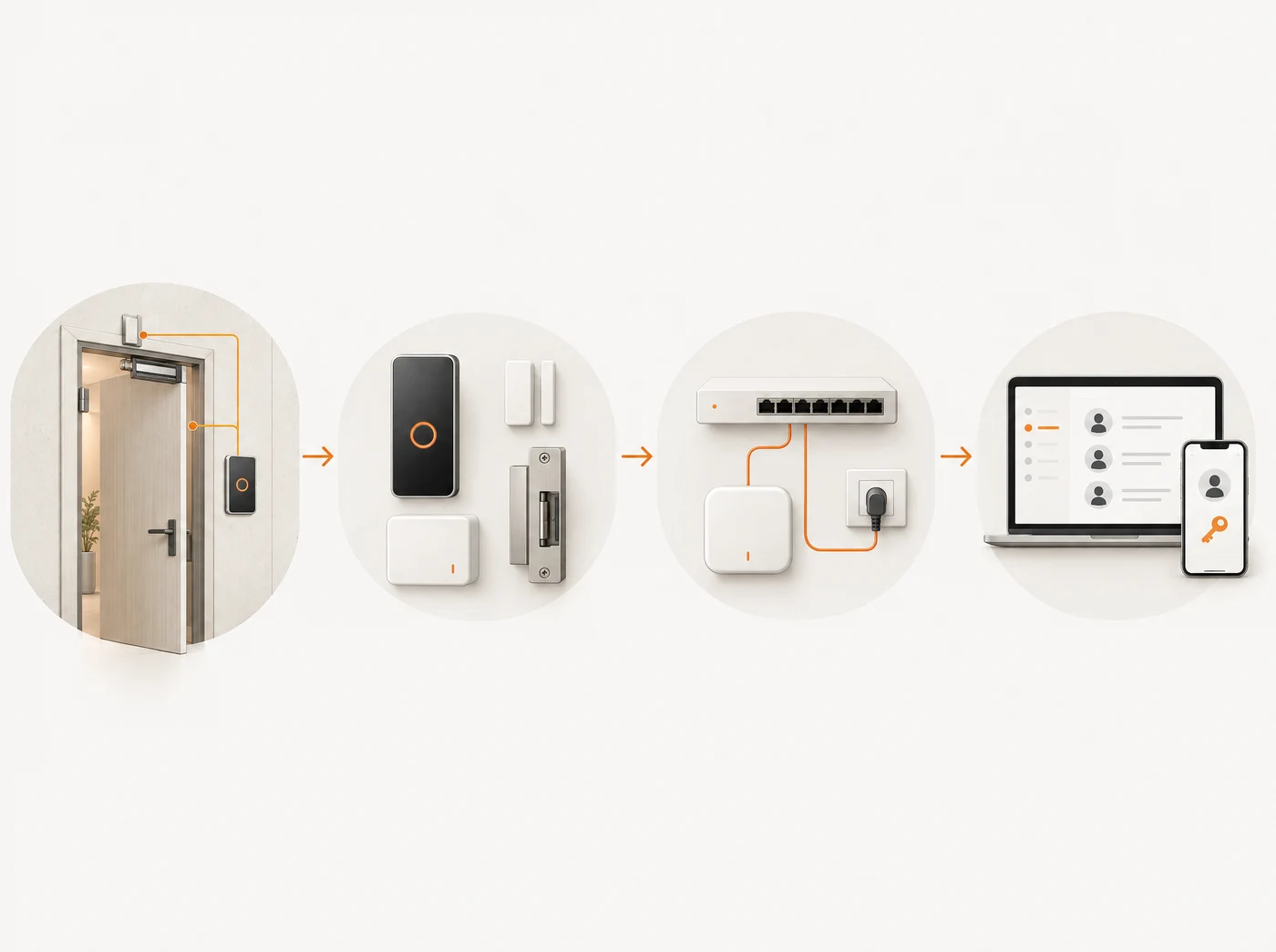
- Plan supported UniFi controllers and readers, compatible door hardware and network connections.
- Set up the management environment around door operation and the people administering access.
Scope and site details
- Agree the selected UniFi management environment, door controllers, readers and lock interfaces.
- Cabling, door adjustments and emergency-system coordination may involve separate work.
- Product selection must follow current support information.
- Record whether existing UniFi equipment will be reused and whether any additional platform or power component is needed.
What matters for your job.
- Select hardware by the door type and intended experience.
- Consider credential methods, intercom needs and power dependencies.
- Product compatibility and feature availability should be checked against the current manufacturer documentation.
Before we visit.
- Door schedule and hardware photos
- Existing UniFi equipment models
- Required credential methods
- Owner account and administrator roles
More to consider
- Prepare door photos, user groups and details of the existing UniFi environment.
- Decide who owns the management account and how administrator recovery will work.
- Include entry, exit and permission-change checks in the handover.
A clear handover.
- Confirm the owner can see the agreed doors, manage an authorised test user and remove access.
- Retain a door schedule and supported equipment list.
- Demonstrate the selected credential methods and record any functions dependent on additional applications, licences or connectivity.
Do I need to replace the whole network to use UniFi Access?
- Not necessarily.
- The existing network and management arrangement need assessment against the chosen devices.
- Required components should be listed explicitly in the proposal.
Is UniFi Access the same as UniFi Network or Protect?
- Network manages connectivity, Protect supports video functions and Access manages supported entry functions.
- A shared brand does not guarantee compatibility. Confirm the applications, platform and components required before selecting equipment.